2026-01-06
AI Home Design Photo Privacy: What to Upload (and What to Blur)
A privacy-first checklist for AI home design: what photos to upload, what to avoid capturing, and simple steps to stay comfortable.
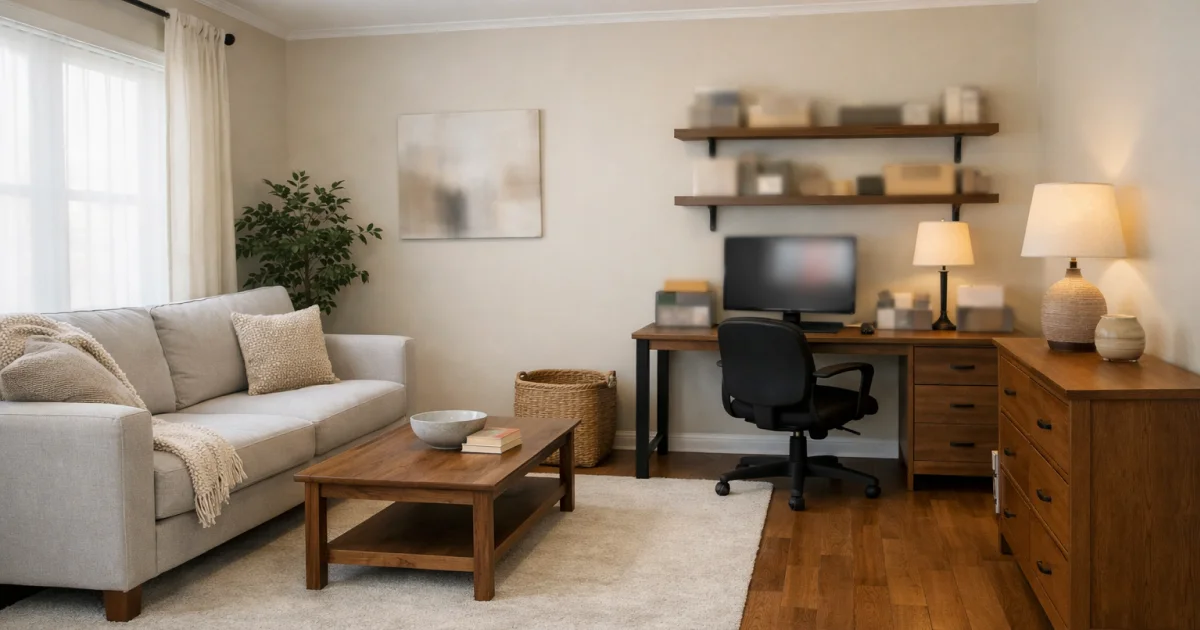
Recommended next
If you want to use AI home design while staying comfortable, a simple photo privacy checklist goes a long way.
What’s usually safe to upload
- Wide room photos (no close-ups of personal documents).
- Style preferences and palette direction.
- Constraints like “keep layout” and “keep existing flooring”.
What to avoid capturing in the photo
- Mail with addresses, IDs, invoices, or sensitive paperwork.
- Family photos you don’t want shared or stored.
- Anything you wouldn’t want visible in a screenshot.
Quick steps before uploading
- Crop out documents, faces, and screens when possible.
- Blur sensitive areas with your phone’s edit tools.
- Use a clean, well-lit photo to reduce the need for extra detail.
Questions about privacy or support? Use the contact section here: /#contact.
Tags
Related posts
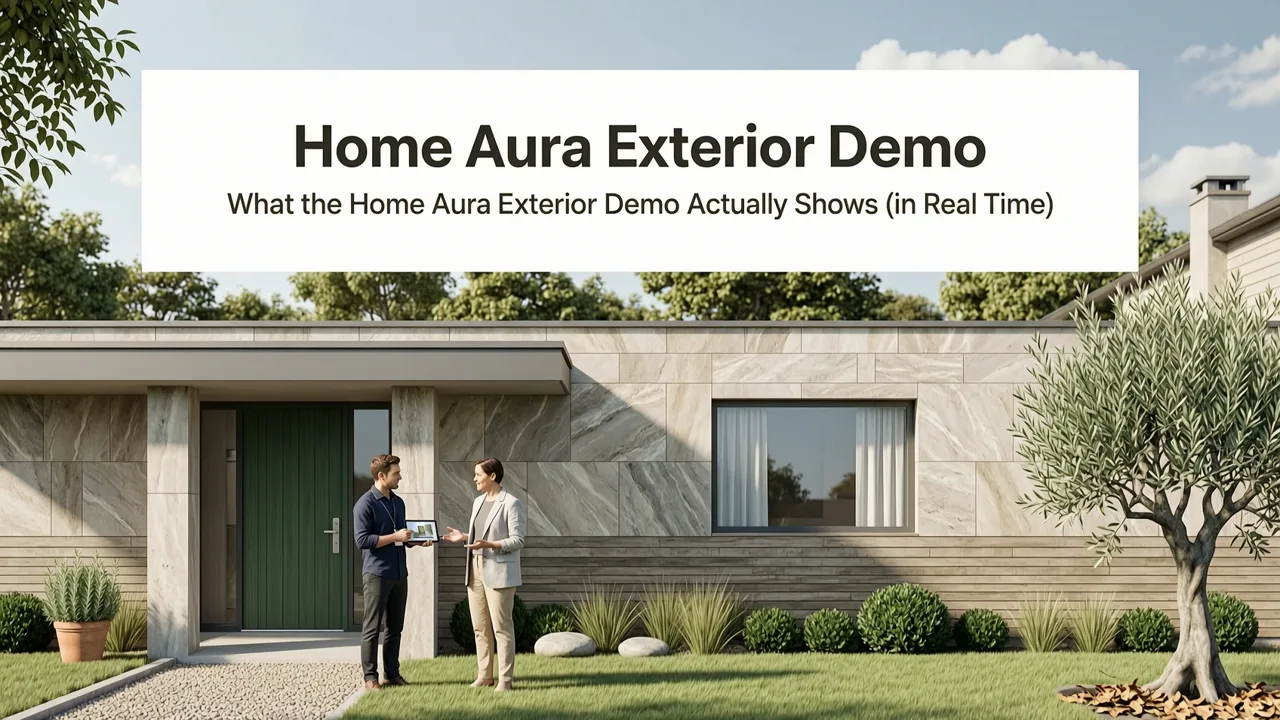
2026-08-03
Home Aura Exterior Design Demo — See It in Action
See the Home Aura exterior demo live: upload your home’s exterior photo and instantly generate realistic, context-aware AI redesigns for siding, paint, roofing,
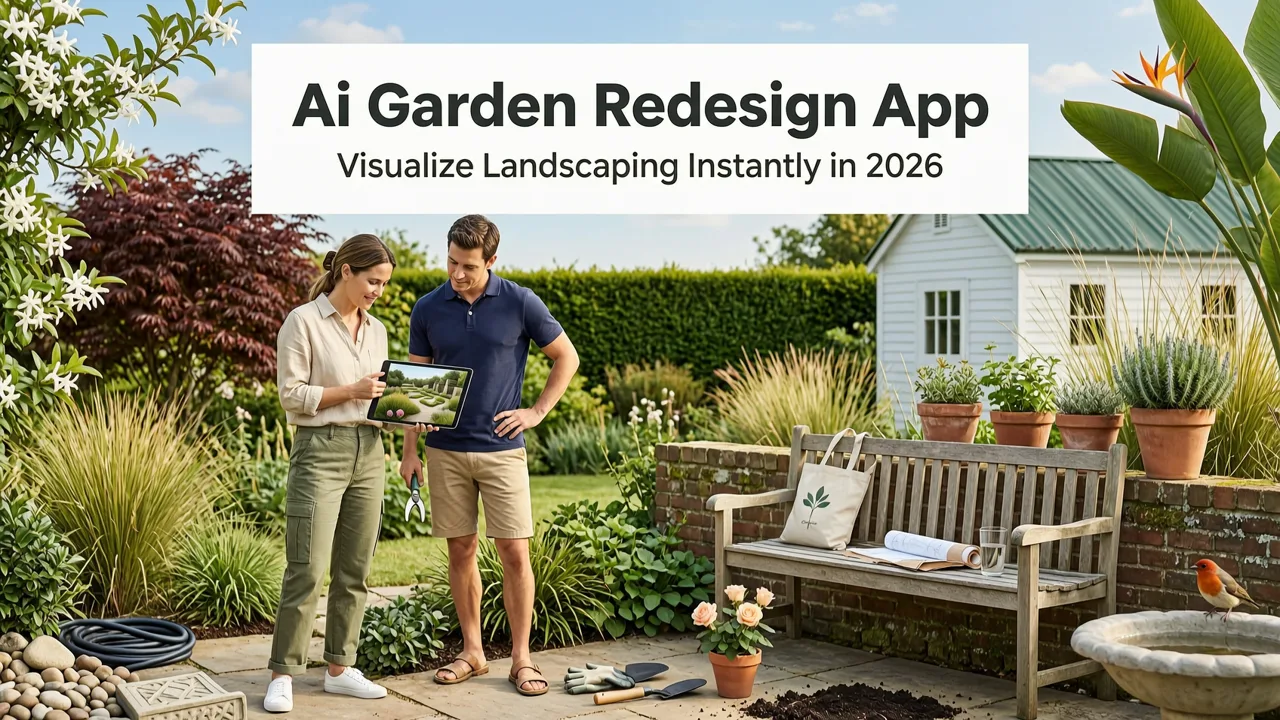
2026-08-02
AI Garden Redesign App — Visualize Landscaping Instantly in 2026
Discover the leading AI garden redesign app in 2026: Home Aura. Upload a photo of your yard and generate realistic, context-aware landscaping options—no design
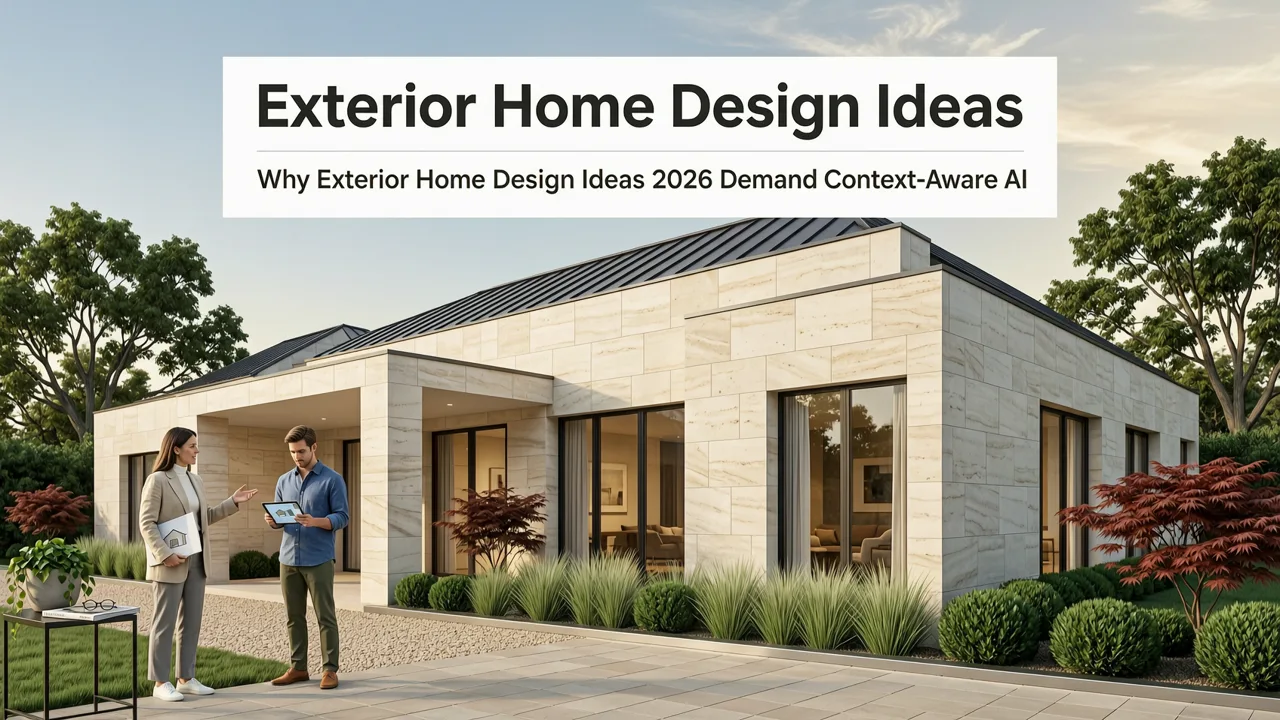
2026-08-01
Exterior Home Design Ideas 2026 — AI-Generated & Realistic
Discover the top exterior home design ideas 2026 has to offer — from climate-smart façades to AI-visualized curb appeal upgrades. See realistic, personalized redesigns
Next steps
Compare ideas on the living room page, review pricing, or contact support.