2026-10-25 · 5 min read
How to Create an AI Garden Design from Picture: 2026 Guide
Learn how to create an ai garden design from picture using advanced 2026 tools. Visualize landscaping, compare styles, and plan your outdoor space.

Recommended next
How to Create an AI Garden Design from Picture
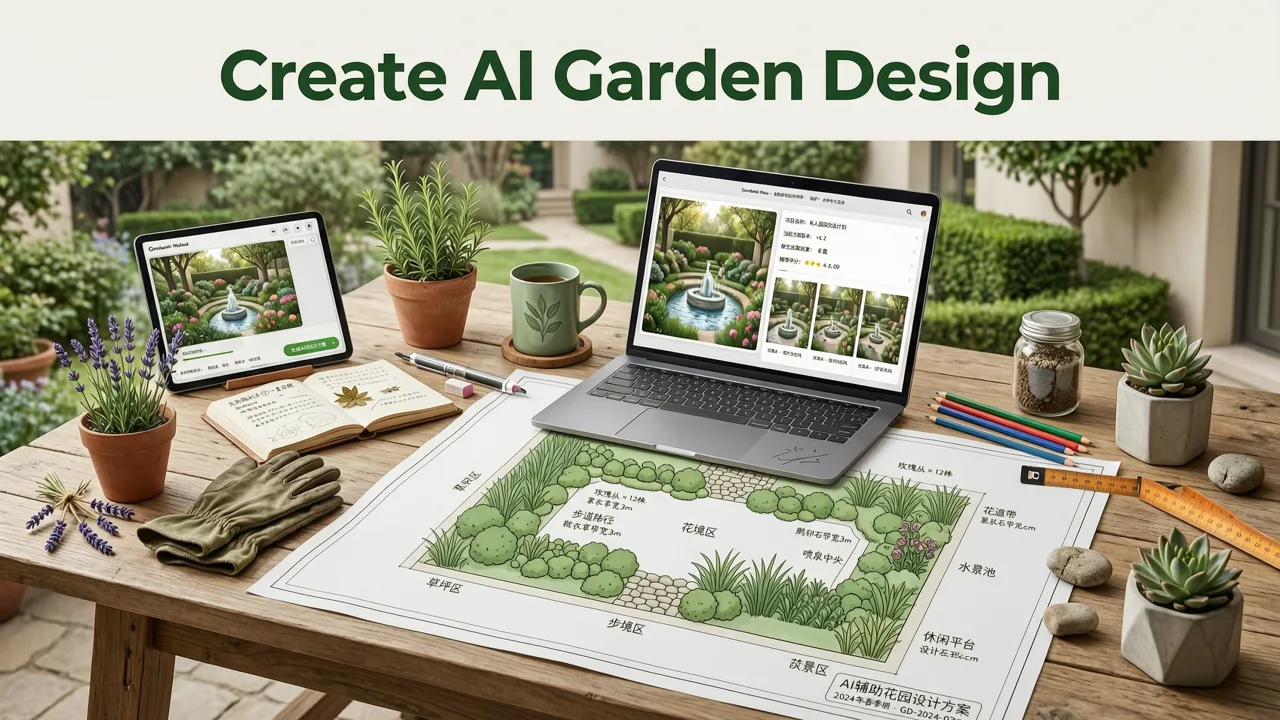
Transforming an overgrown backyard or a barren patch of grass into a lush oasis used to require expensive landscape architects and endless guesswork. Today, you can instantly visualize your dream outdoor space by generating an ai garden design from picture. This guide explains how AI-powered landscaping tools work in 2026, what features matter most, and how to use your own photos to plan a realistic, cost-effective garden makeover.
Why AI Garden Visualization is Essential in 2026
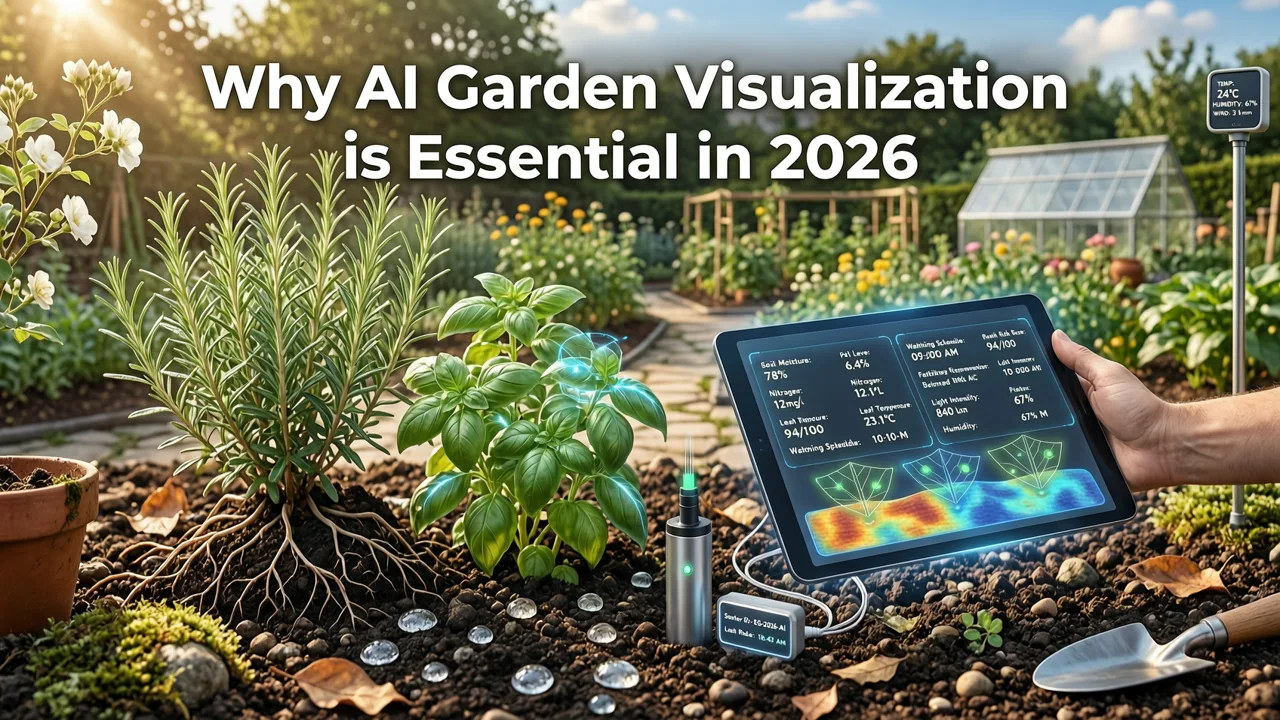
The landscape design industry has shifted dramatically. In 2026, advanced spatial computing and refined diffusion models allow AI to understand the structural context of a photograph. Unlike early generative tools that simply painted over an image, modern AI landscaping visualizers analyze depth, lighting, and existing architectural elements. This means when you upload a photo, the software understands where the soil ends, where the fence begins, and how sunlight hits your yard at different times of day.
This technology bridges the gap between imagination and execution. Homeowners and renters can now test drought-tolerant native plants, modern hardscaping materials, and complex lighting layouts without purchasing a single physical item first. By visualizing changes digitally, you eliminate costly renovation mistakes and ensure every design choice aligns with your personal aesthetic and local climate requirements.
Step-by-Step Guide to Generating Your AI Garden Design from Picture

Creating a realistic outdoor visualization requires a systematic approach. Follow these steps to ensure the AI produces accurate and inspiring results.
Capturing the Right Base Photo
The quality of your AI output is directly tied to the quality of your input image. Stand at the edge of your patio or property line and capture the entire space. Ensure the photo is taken in natural daylight, ideally during the golden hour or on a slightly overcast day to avoid harsh shadows. Make sure the lens is free of smudges, and avoid extreme wide-angle distortions that can confuse the AI’s spatial mapping. A clear, well-lit image allows the AI garden redesign app to accurately map the boundaries of your yard.
Selecting Styles and Landscape Elements
Once your photo is uploaded, the platform will prompt you to choose a design style. You can select from predefined aesthetics such as Japanese Zen, Mediterranean, Modern Minimalist, or Cottage Garden. Advanced tools also allow you to specify individual elements. You can instruct the AI to add a wooden pergola, replace a grass lawn with gravel and succulents, or install a stone fire pit. The AI integrates these elements while maintaining the perspective and scale of your original photo.
Refining and Comparing Layouts
Do not settle on the first generation. The true power of an AI interior and exterior design tool lies in its ability to iterate. Generate multiple variations of the same space. Compare a low-maintenance xeriscape layout against a lush, traditional flower garden side-by-side. Use the editing tools to tweak specific areas, such as changing the color of the patio pavers or adjusting the density of the shrubbery, until the design perfectly matches your vision.
Key Features to Look for in an AI Landscaping Tool
Not all image generators are built for architectural accuracy. When choosing a platform to create your design, it is crucial to distinguish between generic art generators and purpose-built design software. Below is a comparison of what to expect from each category.
| Feature | Generic AI Image Generators | Dedicated AI Garden Design Apps |
|---|---|---|
| Spatial Awareness | Low; often alters yard dimensions and perspective | High; preserves existing architectural structures and boundaries |
| Context Retention | Poor; unpredictably changes fences, house colors, or sky | Excellent; isolates the garden area for targeted, accurate redesigns |
| Plant and Material Realism | Generic textures; lacks botanical or structural accuracy | Accurate foliage, realistic hardscape materials, and proper lighting |
| Iteration and Comparison | Requires complex prompt engineering for minor variations | One-click style switching and intuitive side-by-side comparisons |
| Privacy Controls | Varies; often trains models on user uploads | Strict data deletion protocols and private processing modes |
As outlined in the OpenAI documentation regarding spatial reasoning, dedicated applications fine-tune their models specifically for architectural and environmental contexts, ensuring that a generated oak tree does not suddenly appear to be floating or casting shadows in the wrong direction.
Real-World Applications for Homeowners and Renters
The utility of generating an ai garden design from picture extends far beyond simple curiosity. It serves as a practical planning tool for various outdoor projects.
Planning a Full Backyard Renovation
If you are preparing for a major landscaping overhaul, AI visualization helps you communicate your vision to contractors. Instead of describing a concept, you can show a contractor a photorealistic rendering of your exact yard featuring the desired retaining walls, irrigation zones, and planting beds. This alignment reduces miscommunication and ensures the final build matches your expectations. For those also looking to update the facade of the home itself, you can seamlessly redesign your house exterior with photo to ensure the new garden complements the updated architecture.
Quick Curb Appeal and Front Yard Updates
Renters and homeowners alike can use these tools for rapid, low-cost improvements. Testing out new container arrangements, updating the front walkway materials, or visualizing a new coat of paint on the garden fence can be done in minutes. This allows you to identify high-impact, low-effort changes that drastically improve your property's curb appeal without requiring a massive budget or long-term commitment.
Privacy and Data Considerations
When uploading photos of your property, data privacy is a valid concern. Reputable AI design platforms in 2026 adhere to strict Google AI responsibility guidelines and similar industry standards. Before using any tool, review its privacy policy to ensure your images are not being used to train public models. Look for applications that offer temporary processing environments where your photos are automatically purged from their servers immediately after the design is generated.
Conclusion and Next Steps
Creating an ai garden design from picture is the most efficient way to plan, visualize, and execute outdoor improvements in 2026. By leveraging advanced spatial AI, you can test endless landscaping styles, preserve your existing architecture, and make confident decisions before breaking ground. Whether you are planning a complex backyard renovation or a simple front yard refresh, the right visualization tool turns your ideas into photorealistic reality. Explore the full capabilities of AI-driven home and garden design by checking out our comprehensive guides on exterior and interior transformations to plan your entire property with confidence.
Tags
FAQs
Related posts
2026-11-03
AI Backyard Design Generator: Visualize Ideas Before You Build
See how an AI backyard design generator transforms your outdoor space. Upload a photo, explore styles, and visualize landscaping ideas instantly in 2026.

2026-10-31
The Best AI Landscape Design App for iOS in 2026
Discover the best AI landscape design app for iOS in 2026. Visualize garden and exterior redesigns instantly from your photos before you renovate.
2026-10-28
AI Landscape Design From Photo: Top Tools & 2026 Guide
Discover how to use ai landscape design from photo tools in 2026. Compare top apps, visualize backyard makeovers, and plan your outdoor space effortlessly.
Next steps
Compare ideas on the living room page, review pricing, or contact support.