2026-10-16 · 6 min read
How to Do an AI Room Redesign From Photo in 2026
Learn how to do an ai room redesign from photo using advanced 2026 tools. Visualize interior, exterior, and garden changes instantly before renovating.
Recommended next
Understanding the Mechanics of an AI Room Redesign From Photo
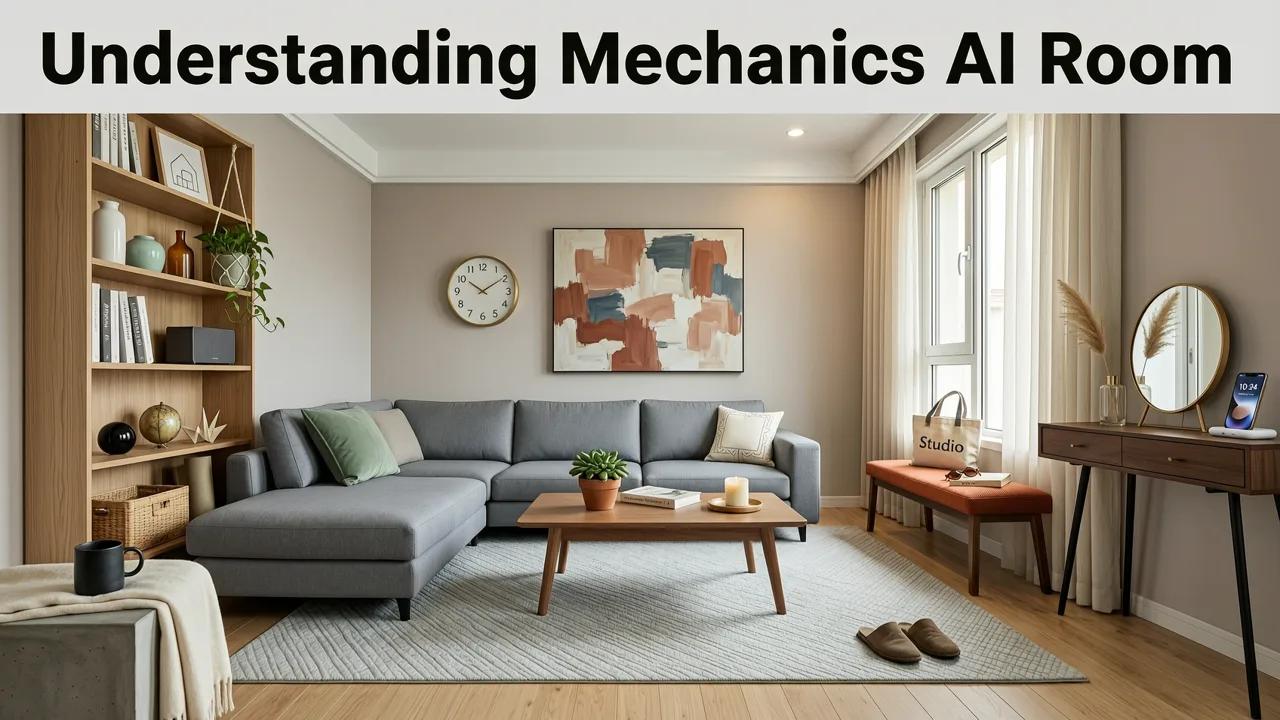
In 2026, the gap between imagining a home transformation and actually seeing it has been completely closed. An ai room redesign from photo allows homeowners and renters to upload a single image of their space and instantly generate realistic, context-aware visualizations. Whether you are updating a cramped kitchen, refreshing a master bedroom, or planning a complete exterior overhaul, photo-based AI tools translate your existing space into a digital canvas.
This guide explains exactly how the process works, what features matter most in modern design software, and how to get the most accurate, actionable results before you spend money on furniture, paint, or renovation contractors.
How to Do an AI Room Redesign From Photo: A Step-by-Step Guide

Executing a successful virtual room makeover requires more than just clicking a button. Modern AI interior design apps rely on spatial computing and advanced diffusion models to understand the geometry of your room. Here is the standard workflow for generating high-quality AI-generated redesign ideas.
Step 1: Prepare and Capture Your Base Image
The quality of your AI output is directly tied to the quality of your input photo. Stand in the corner of the room to capture the widest possible angle. Ensure the space is well-lit, preferably with natural daylight, and remove small clutter items that might confuse the AI's object recognition. The goal is to provide a clear, unobstructed view of the room's architectural boundaries, flooring, and existing large furniture pieces.
Step 2: Select Your Target Style and Design Constraints
Once the photo is uploaded to a virtual renovation visualizer, you will need to define the parameters of the redesign. This involves selecting a specific design style, such as mid-century modern, Japandi, or industrial chic. Advanced platforms also allow you to isolate specific elements. For instance, you can mask the flooring to keep it unchanged while instructing the AI to redesign only the wall treatments, cabinetry, and lighting fixtures.
Step 3: Generate and Analyze the AI Output
After setting your constraints, the AI processes the spatial data and generates multiple variations. This is where a specialized AI interior design app proves its value over generic image generators. The software maintains the structural integrity of your room, ensuring that windows remain windows and doors remain doors, while accurately applying the new textures, color palettes, and furniture layouts. Review the generated options to see which layout best maximizes your space and aligns with your aesthetic goals.
Step 4: Iterate and Finalize Your Design Concept
Design is an iterative process. Use the platform's refinement tools to tweak specific elements. If a generated living room layout features a sofa you like but the wrong color palette, adjust the prompt or style sliders and regenerate. Once you have a visualization that perfectly captures your vision, export the high-resolution images to use as a definitive mood board for your physical renovation or shopping phase.
Specialized AI Tools vs. Generic Image Generators

Not all image generation software is built for architectural accuracy. When choosing a tool for an ai room redesign from photo, it is critical to understand the difference between a general-purpose AI model and a purpose-built design application.
| Feature | Generic AI Image Generator | Specialized AI Interior Design App |
|---|---|---|
| Spatial Awareness | Low; often distorts room proportions and perspective. | High; maps 3D geometry and maintains accurate room dimensions. |
| Architectural Accuracy | Randomizes windows, doors, and structural elements. | Preserves existing architectural features and structural boundaries. |
| Object Retention | Struggles to keep specific existing furniture pieces intact. | Uses spatial masking to protect and retain your current belongings. |
| Style Consistency | Mixes conflicting design elements and eras randomly. | Applies cohesive, curated design palettes and material textures. |
| Renovation Readiness | Produces abstract art; not useful for contractors. | Generates actionable, proportional concepts for real-world execution. |
As documented in resources regarding spatial reasoning in modern machine learning, purpose-built applications utilize specialized training data focused on interior architecture, ensuring that a generated virtual room makeover remains physically plausible and practically executable.
Expanding Your Vision: Exteriors and Outdoor Spaces
The photo-first methodology is not limited to indoor spaces. The same underlying technology can be applied to the outside of your property, allowing you to visualize siding changes, roofline updates, and landscaping overhauls without laying a single brick or planting a single shrub.
If you are planning a comprehensive facade update, exploring Exterior Home Design Ideas 2026 can provide context-aware inspiration tailored to current material trends and climate resilience standards. For a more hands-on approach, you can use a dedicated tool to redesign house exterior with photo capabilities, allowing you to test fiber-cement siding, modern rooflines, and updated window configurations directly on your home's image.
Furthermore, outdoor living spaces are a major priority for modern homeowners. By utilizing an AI garden redesign app, you can visualize how native drought-tolerant shrubs, new hardscape patios, or a modern pergola will look against your existing landscape. This ensures that your exterior and garden investments are just as carefully planned as your interior spaces.
Best Practices for Maximizing AI Design Accuracy
To ensure your ai room redesign from photo yields the most realistic and useful results, adhere to the following best practices when preparing your project.
- Maximize Lighting: Shadows can trick the AI into misinterpreting spatial depth. Open all curtains and blinds, and turn on all ambient room lighting before taking the photo.
- Declutter Strategically: Remove small items like throw pillows, magazines, and countertop appliances. This prevents the AI from trying to incorporate these temporary items into the permanent redesign.
- Maintain a Level Horizon: Hold your camera or phone perfectly level. Tilting the camera upward or downward distorts the vertical lines of the room, which can cause the AI to generate warped furniture or misaligned walls.
- Use High Resolution: Upload the highest resolution image possible. High-fidelity inputs allow the AI to accurately render fine details like fabric textures, wood grain, and tile patterns.
Data Privacy and Responsible AI in Home Design
Uploading photos of your personal living spaces to a cloud-based platform naturally raises questions about data privacy. In 2026, reputable SaaS providers in the home design space adhere to strict data handling protocols.
When selecting a platform, look for transparency regarding how your images are processed. Following frameworks similar to Google AI guidance on responsible AI, top-tier applications ensure that user-uploaded photos are processed securely, used solely for the purpose of generating the requested design, and are not exploited to train public-facing models without explicit consent. Always review the platform's privacy policy to confirm that your home's visual data remains confidential.
Conclusion: Visualize Before You Invest
Performing an ai room redesign from photo is the most efficient way to eliminate guesswork from home improvement projects. By leveraging advanced spatial AI, you can confidently compare styles, test color palettes, and validate layouts before committing to expensive furniture or irreversible renovations. The technology ensures that your vision is grounded in the reality of your actual space.
Ready to transform your space with confidence? Explore the full capabilities of AI-driven design by accessing the Home Aura web portal or downloading the iOS app today, and start visualizing your perfect home environment instantly.
Tags
FAQs
Related posts
2026-11-03
AI Backyard Design Generator: Visualize Ideas Before You Build
See how an AI backyard design generator transforms your outdoor space. Upload a photo, explore styles, and visualize landscaping ideas instantly in 2026.

2026-10-31
The Best AI Landscape Design App for iOS in 2026
Discover the best AI landscape design app for iOS in 2026. Visualize garden and exterior redesigns instantly from your photos before you renovate.
2026-10-28
AI Landscape Design From Photo: Top Tools & 2026 Guide
Discover how to use ai landscape design from photo tools in 2026. Compare top apps, visualize backyard makeovers, and plan your outdoor space effortlessly.
Next steps
Compare ideas on the living room page, review pricing, or contact support.