2026-10-28 · 6 min read
AI Landscape Design From Photo: Top Tools & 2026 Guide
Discover how to use ai landscape design from photo tools in 2026. Compare top apps, visualize backyard makeovers, and plan your outdoor space effortlessly.
Recommended next
What Is AI Landscape Design From Photo?

Staring at a bare backyard or an overgrown garden and struggling to visualize its potential is a common hurdle for homeowners. The solution lies in modern generative technology. AI landscape design from photo tools use advanced machine learning models to instantly transform a simple picture of your yard into a fully rendered, photorealistic outdoor living space.
Unlike traditional computer-aided design (CAD) software that requires drafting skills and hours of manual input, these modern applications rely on a photo-first approach. You simply upload an image of your existing outdoor area, and the AI analyzes the spatial geometry, lighting, and existing structures to generate realistic redesign concepts. This allows you to explore different layouts, plant species, and hardscape materials before committing to a single physical change.
How AI Landscape Design From Photo Works in 2026
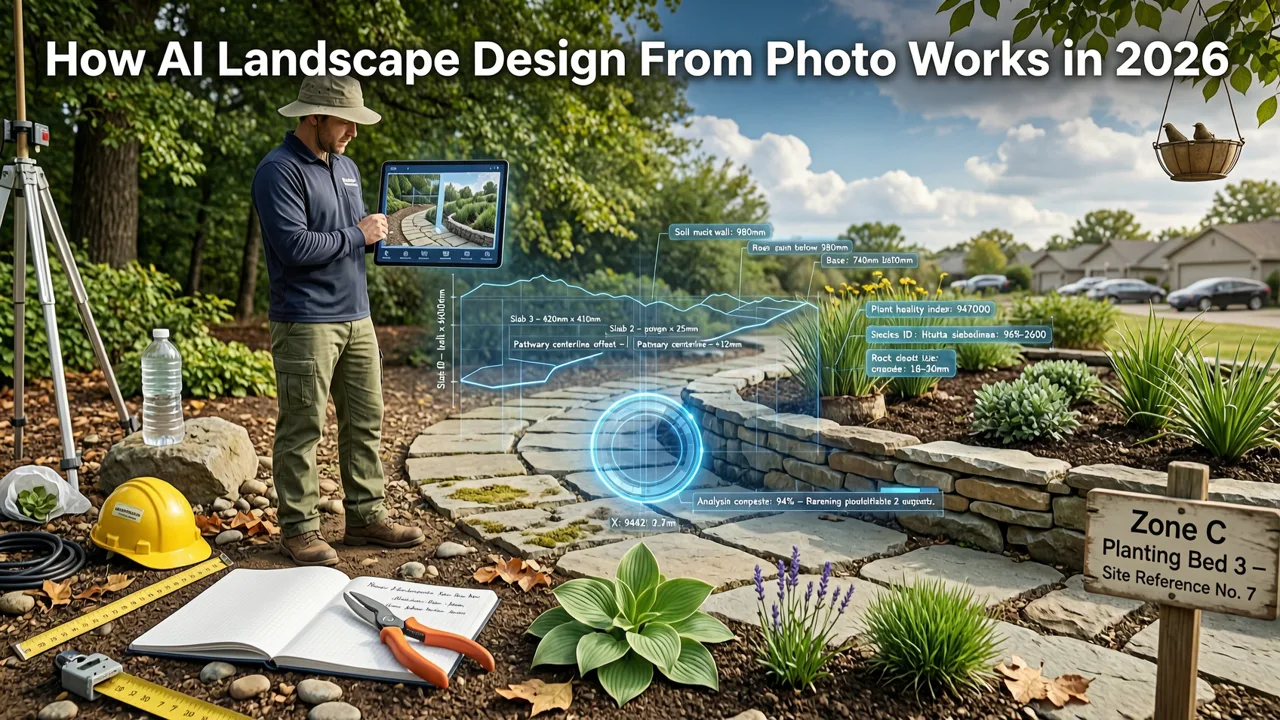
The technology powering outdoor visualization has evolved significantly. Today, these tools utilize sophisticated diffusion models and spatial computing to understand the physical boundaries of your yard. According to the OpenAI documentation, modern image generation models are trained to maintain structural consistency, meaning the AI understands that a patio remains a patio and a tree remains a tree, even when applying a completely new design style.
The process generally follows three distinct phases:
- Semantic Segmentation: The AI scans your uploaded photo and identifies different elements, separating the sky, grass, fencing, existing patio, and house facade.
- Style Application: Based on your selected parameters—such as "modern minimalist," "cottage garden," or "drought-tolerant xeriscape"—the model generates new textures and objects that fit the identified spatial boundaries.
- Lighting and Shadow Matching: To ensure the result looks authentic, the AI calculates the original light source in your photo and applies matching shadows and highlights to the newly generated elements.
This adherence to responsible and accurate rendering is a key focus in the industry, as outlined in Google AI guidance, ensuring that the generated images are not just visually appealing, but physically plausible and helpful for real-world planning.
Core Features to Look for in AI Outdoor Design Tools
Not all visualization platforms are created equal. When evaluating software for your next outdoor project, prioritize tools that offer specific capabilities tailored to exterior environments.
Photo-First Upload Capability
The foundation of any effective design tool is its ability to use your actual space as the canvas. The best platforms allow you to snap a photo on your smartphone and upload it directly, ensuring the scale and proportions of your yard are perfectly preserved.
Multi-Style and Element Versatility
A robust tool should offer a wide array of design styles. Whether you are looking for a tropical resort vibe, a sleek contemporary patio, or a naturalistic woodland garden, the AI should be able to swap out materials and plant palettes seamlessly.
Accurate Hardscape and Softscape Recognition
Outdoor spaces are defined by the balance between hardscape (pavers, decks, retaining walls) and softscape (lawn, shrubs, flower beds). High-quality AI recognizes these categories separately, allowing you to change the patio material without accidentally altering the surrounding garden beds.
Top AI Landscape Design From Photo Tools Compared
Choosing the right platform depends on your specific needs, from quick inspiration to detailed renovation planning. Below is a comparison of the leading approaches available in 2026.
| Platform Type | Photo-First Upload | Spatial Awareness | Style Variety | Best Use Case |
|---|---|---|---|---|
| Dedicated Home Design Apps | Yes | High (Retains existing structures) | Extensive (Interior & Exterior) | Homeowners planning actual renovations and furniture purchases. |
| Generic AI Image Generators | No (Text-to-image primarily) | Low (Alters existing structures) | Limitless but unpredictable | Abstract mood boarding and conceptual inspiration. |
| Traditional CAD Software | No (Manual drafting required) | Exact (Mathematically precise) | Depends on asset library | Professional landscape architects and contractors. |
For most homeowners and renters, dedicated home design applications offer the ideal balance of ease of use and structural accuracy, bridging the gap between abstract inspiration and practical execution.
Real-World Use Cases for AI Yard and Garden Visualization
Understanding how to apply these tools to your specific property can dramatically improve your renovation outcomes. Here are several practical scenarios where AI visualization proves invaluable.
Backyard Patio and Deck Redesigns
If you have an aging wooden deck or a cracked concrete patio, you can use an AI garden redesign app to visualize replacing it with composite decking, natural stone pavers, or a poured concrete finish. The AI will maintain the exact dimensions of your existing space, helping you see how different materials interact with your surrounding fence lines and garden beds.
Front Yard Curb Appeal Upgrades
First impressions matter. When planning updates to your front walkway, driveway, or entryway landscaping, utilizing a tool to redesign your house exterior with a photo allows you to test bold choices. You can experiment with adding a modern pergola, changing the driveway material, or introducing layered planting beds without the risk of costly physical mistakes.
Drought-Tolerant and Xeriscape Conversions
For homeowners in arid climates looking to reduce water usage, visualizing a transition from a thirsty grass lawn to a xeriscape is crucial. AI tools can replace green turf with gravel, native succulents, and decorative boulders, allowing you to approve the aesthetic before hiring a landscaping crew to remove the sod.
Comprehensive Facade and Landscape Integration
Often, the backyard and the exterior of the home need to be viewed together to ensure architectural harmony. By exploring comprehensive AI exterior home design options, you can ensure that your new outdoor living space complements the siding, roofline, and window styles of your house.
Best Practices for Capturing Your Outdoor Photo
The quality of the AI output is directly tied to the quality of the input image. To get the most accurate and useful redesigns, follow these photography guidelines:
- Capture During Optimal Lighting: Take your photos during the "golden hour" (shortly after sunrise or before sunset) or on a slightly overcast day. This avoids harsh, blown-out shadows that can confuse the AI's lighting engine.
- Use a Wide-Angle Lens: Most modern smartphones have a 0.5x ultra-wide lens. Use it to capture the entire scope of the yard in a single frame, ensuring the AI understands the full spatial context.
- Clear Temporary Clutter: While the AI is smart, removing temporary items like toys, hoses, and portable furniture helps it focus on the permanent hardscape and architectural elements.
- Shoot from Multiple Angles: If your yard is large or L-shaped, take several photos from different corners. This provides a complete visual dataset if you plan to redesign the space in sections.
Conclusion
AI landscape design from photo technology has fundamentally changed how we approach outdoor renovations. By turning a simple smartphone picture into a canvas for infinite design possibilities, these tools eliminate the guesswork and protect your investment. Whether you are planning a minor curb appeal refresh or a complete backyard overhaul, leveraging generative AI ensures you know exactly what you are building before the first shovel hits the dirt.
Ready to transform your outdoor space? Explore the capabilities of modern visualization tools and start generating realistic, photoperfect redesigns for your garden, patio, or exterior today.
Tags
FAQs
Related posts
2026-11-03
AI Backyard Design Generator: Visualize Ideas Before You Build
See how an AI backyard design generator transforms your outdoor space. Upload a photo, explore styles, and visualize landscaping ideas instantly in 2026.

2026-10-31
The Best AI Landscape Design App for iOS in 2026
Discover the best AI landscape design app for iOS in 2026. Visualize garden and exterior redesigns instantly from your photos before you renovate.

2026-10-25
How to Create an AI Garden Design from Picture: 2026 Guide
Learn how to create an ai garden design from picture using advanced 2026 tools. Visualize landscaping, compare styles, and plan your outdoor space.
Next steps
Compare ideas on the living room page, review pricing, or contact support.