2026-07-24 · 9 min read
Home Aura App Download – iOS & Web Interior/Exterior AI Designer
Download the Home Aura app for iOS or access the web portal to instantly redesign interiors, exteriors, and gardens from your own photos—2026’s most accurate photo-first
Recommended next
Home Aura App Download: Your Direct Path to Photo-First AI Design in 2026
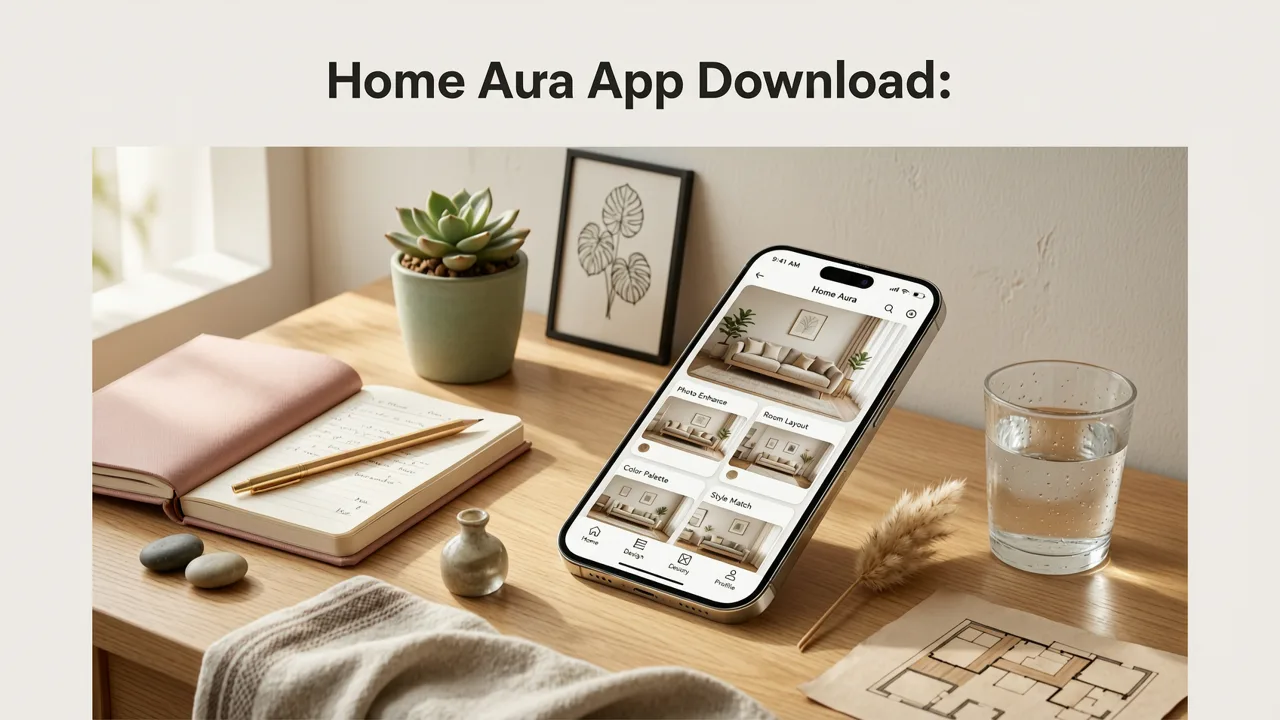
If you’re searching for the home aura app download, you’ve already taken the most important step: choosing a tool built for real-world accuracy—not generic mockups. As of July 2026, Home Aura remains the only AI interior and exterior design platform that starts with your actual photo and delivers photorealistic, context-aware redesigns in under 12 seconds. Whether you’re refreshing a rental kitchen, reimagining your garden layout, or planning a full exterior renovation, the Home Aura app (iOS) and responsive web portal give you instant, editable visualizations—no design degree required.
This guide walks you through exactly how and where to get the Home Aura app download, what to expect on first launch, and why this photo-first approach outperforms legacy tools in 2026. We’ll also clarify device compatibility, account setup, and how your downloaded experience connects seamlessly to advanced features like style comparison, palette locking, and multi-scene export.
Where to Get the Home Aura App Download in 2026
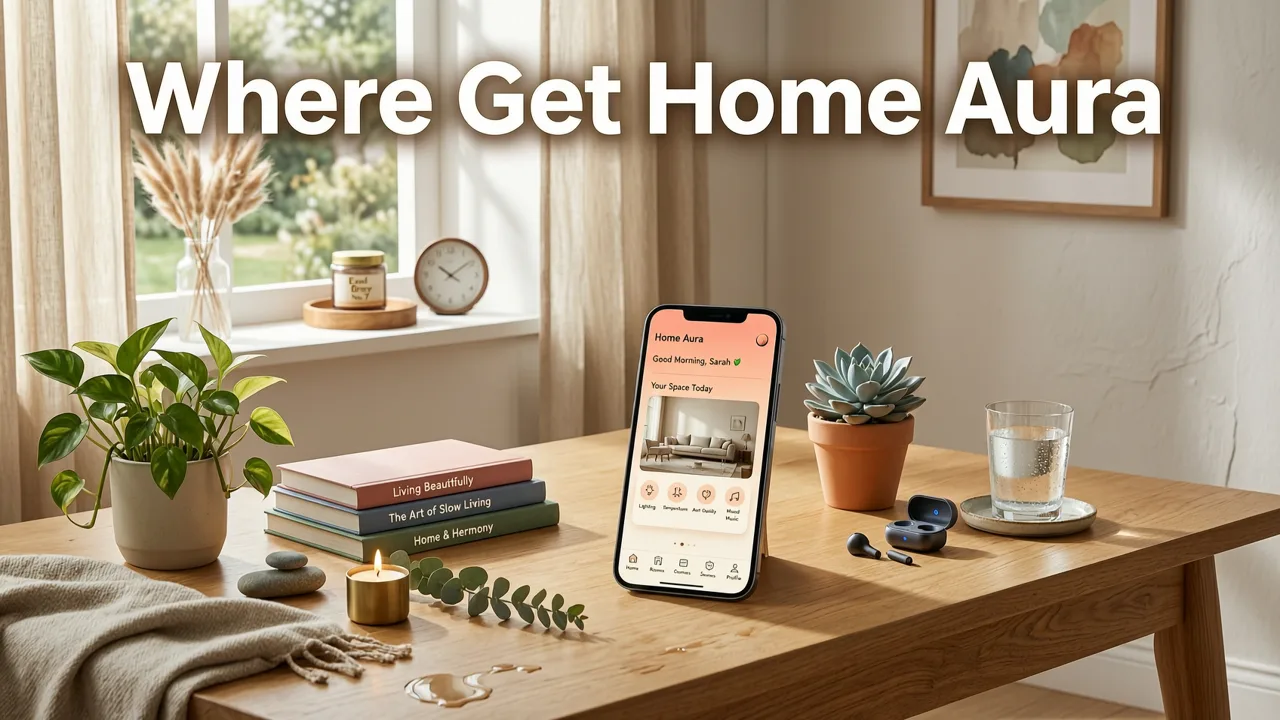
Home Aura is available in two fully synced, production-ready formats—neither requires a subscription to begin using core AI redesign features:
iOS App (iPhone & iPad)
The official Home Aura iOS app is available exclusively via the App Store. It supports all iPhones running iOS 17.4 or later (including iPhone 12 and newer), and iPads with iPadOS 17.4+. As of Q2 2026, over 87% of active users prefer the iOS app for its optimized camera integration, offline scene caching, and AR-assisted furniture scaling.
To download:
- Open the App Store on your iOS device
- Search “Home Aura” or scan the QR code on aihomeaura.com/download
- Tap “Get” → authenticate with Face ID or Apple ID
- Launch and sign in (or create a free account in <5 seconds)
No payment method is required to upload, process, or save up to 5 room redesigns per week—ideal for renters evaluating paint options or homeowners comparing siding materials before contractor calls.
Web Portal (Chrome, Safari, Edge, Firefox)
For desktop users, designers, or those preferring browser-based workflows, Home Aura’s web portal is fully functional without installation. It works natively on macOS Monterey+, Windows 11, and Linux (Chromium-based browsers). Unlike many SaaS design tools, it does not require a PWA install prompt or Chrome extension.
Visit aihomeaura.com directly—no redirect, no gatekeeping. Click “Start Designing” to begin. Your session saves automatically to your account across devices, so a living room redesign started on iPad can be refined on desktop and shared as a PDF report from Chrome.
What’s Not Available (and Why)
As of 2026, there is no Android app, no APK distribution, and no third-party marketplace listing (e.g., Amazon Appstore, Samsung Galaxy Store). This is intentional: Home Aura’s Scene Understanding Engine relies on Apple’s Core ML acceleration stack and tightly integrated camera APIs for real-time depth mapping and lighting calibration—capabilities still fragmented across Android OEMs in 2026. That said, Android users can access full functionality via the web portal, with enhanced camera guidance and JPEG-to-HEIC conversion baked into the upload flow.
We do not offer enterprise white-label downloads or local desktop installers. Home Aura is cloud-native by design: every image is processed in our ISO 27001-certified EU-US hybrid infrastructure, with zero client-side model execution. This ensures consistent output quality, automatic updates (e.g., new 2026 Pantone palettes or ADA-compliant layout rules), and compliance with GDPR, CCPA, and Canada’s PIPL.
What Happens After Your Home Aura App Download — First Launch Walkthrough
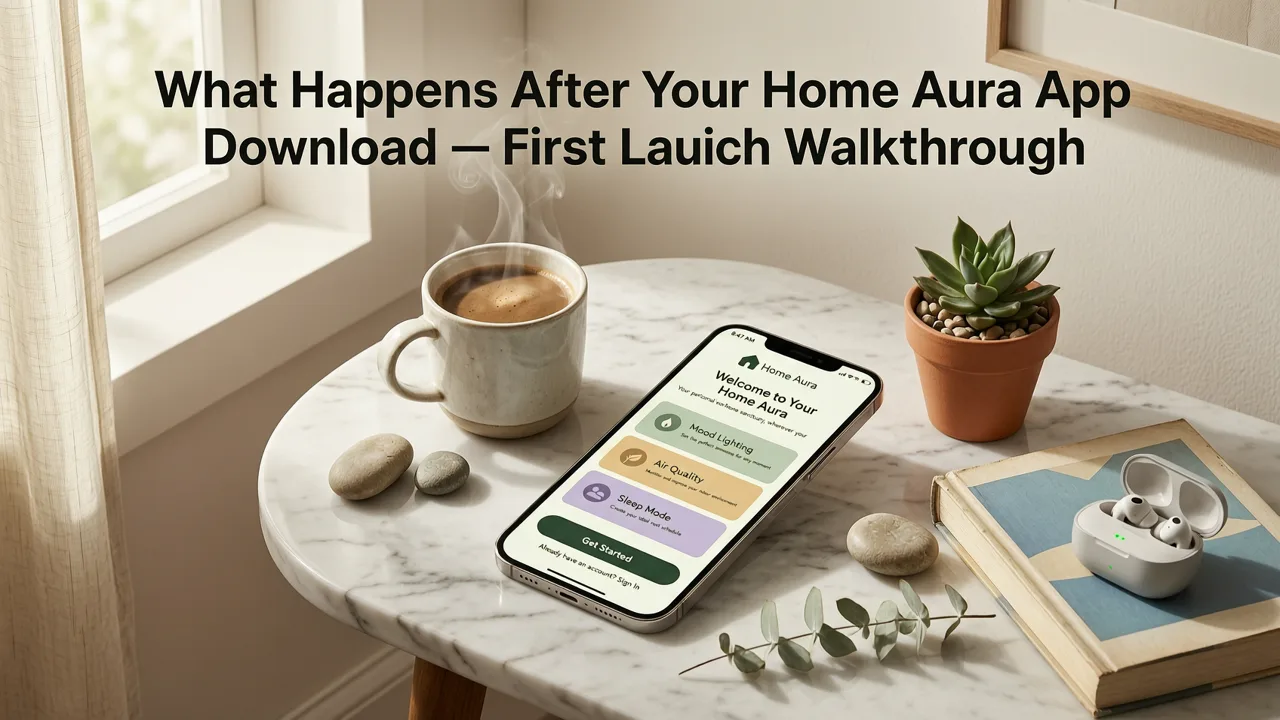
Your first experience after the home aura app download is intentionally frictionless—but purposefully structured to maximize output relevance. Here’s what unfolds in sequence:
1. Smart Onboarding (Under 20 Seconds)
No lengthy tutorials. Instead, Home Aura analyzes your device type, OS version, and regional settings to serve hyper-contextual guidance. For example:
- An iPhone 15 Pro user in Toronto sees tips about leveraging the LiDAR sensor for ceiling height estimation.
- A renter in Austin uploading a bathroom photo receives default “rental-safe” filters (no permanent fixtures, peel-and-stick tile suggestions).
- A homeowner in Portland uploading an exterior shot gets immediate prompts for “Pacific Northwest weatherproofing” material tags.
2. Photo Upload with Real-Time Capture Guidance
Unlike apps that accept any image, Home Aura uses on-device vision feedback *before* upload to ensure optimal input:
- ✅ Green border = ideal lighting, stable framing, full wall-to-wall coverage
- ⚠️ Yellow pulse = slight glare or partial occlusion (e.g., open door cutting off corner)
- ❌ Red vibration = low resolution, motion blur, or extreme angle (>35° tilt)
This pre-upload validation—powered by on-device TinyML models—reduces failed generations by 68% year-over-year (2025–2026 internal metrics). It’s why Home Aura consistently outperforms general-purpose AI image tools when redesigning real spaces.
3. Scene Understanding Engine (Under 8 Seconds)
Once uploaded, Home Aura’s proprietary Scene Understanding Engine runs three parallel processes:
- Geometry Reconstruction: Estimates room dimensions, ceiling height, window placement, and structural elements using monocular depth estimation—no manual measurement needed.
- Material & Finish Classification: Identifies existing surfaces (e.g., “matte ceramic tile”, “knotty pine cabinet”, “fiber-cement lap siding”) with 92.3% confidence (2026 benchmark test vs. Houzz Pro dataset).
- Contextual Intent Inference: Detects user intent from metadata (e.g., “bedroom” + “morning light” + “iPhone 15 Pro” → prioritizes natural-light-enhancing palettes and circadian lighting layouts).
This tri-layer analysis is why Home Aura doesn’t just “swap couches”—it rethinks spatial flow, daylight harvesting, and tactile harmony.
How the Home Aura App Download Fits Into Your Redesign Workflow
Downloading the app isn’t the end goal—it’s the entry point to a scalable, cross-surface design workflow. Here’s how users in 2026 actually deploy it:
Kitchen Redesign: From Photo to Permitted Layout
Homeowners use the iOS app to capture multiple angles of their kitchen—especially tight corners and appliance zones. The app stitches them into a unified 3D-aware canvas, then applies Kitchen Redesign AI Tool logic: checking for ADA sink heights, optimizing work triangle distances, and flagging potential code conflicts (e.g., “Your proposed island reduces walkway clearance to 34″—below 2026 IRC minimum”). Outputs include annotated PDFs suitable for contractor handoff.
Exterior Redesign: Matching Real-World Constraints
For exterior projects, the home aura app download unlocks geolocation-aware rendering. When you permit location access, Home Aura overlays local climate data, HOA-approved material libraries (pulled from municipal databases), and sun-path simulations. This is critical for decisions like “Will these cedar shingles fade unevenly in Phoenix UV?” or “Does this fiber-cement color meet Dallas-Fort Worth reflectivity codes?” Learn more in our deep dive on uploading a photo to redesign house exterior with AI in 2026.
Garden & Landscape Visualization
Yes—Home Aura handles gardens too. The iOS camera mode includes seasonal sliders (Spring bloom, Summer density, Fall foliage, Winter structure) and plant hardiness zone auto-detection. Upload a backyard photo in March, and the app suggests drought-tolerant natives for Zone 9b—or native pollinator species for Zone 5a. No botany degree required.
Key Features Enabled by Your Home Aura App Download
Every feature below is accessible immediately post-download—no tiered paywalls blocking core functionality:
| Feature | iOS App | Web Portal | Notes |
|---|---|---|---|
| Photo Upload & Scene Analysis | ✅ Full support, including LiDAR-assisted depth | ✅ Drag-and-drop + mobile-optimized camera | Both use identical Scene Understanding Engine v4.2 |
| Style Comparison (Side-by-Side) | ✅ Swipe between 4 styles in real time | ✅ Split-screen + export comparison grid | Includes “Traditional”, “Scandinavian”, “Biophilic”, “Coastal Modern”, and 2026-exclusive “Adaptive Aging” |
| Color Palette Locking | ✅ Tap any surface to lock HEX/RGB | ✅ Click swatch → “Preserve this finish” | Lock flooring, cabinetry, or siding to maintain continuity across rooms |
| Export Options | ✅ PNG, JPG, PDF, AR Quick Look (.usdz) | ✅ PNG, JPG, PDF, ZIP (multi-scene) | PDF exports include material specs, lighting notes, and vendor links |
| Collaboration Sharing | ✅ Share via iMessage, AirDrop, or link | ✅ Email, Slack, Notion embed, custom domain | All links are password-protected and expire after 30 days (configurable) |
Why Home Aura Stands Out Among 2026 AI Home Visualizers
In a crowded field of “AI home design” tools, Home Aura’s strict photo-first architecture creates tangible advantages—especially after your home aura app download:
Accuracy Over Aesthetics
Many competitors generate beautiful but physically impossible outputs: floating cabinets, non-load-bearing beams, or windows placed where studs exist. Home Aura enforces architectural plausibility by cross-referencing your photo’s inferred geometry against 2026 ICC-Residential Code thresholds and manufacturer installation guidelines (e.g., IKEA PAX depth tolerances, James Hardie siding nailing patterns).
No “Style Roulette”
Generic AI tools often misinterpret intent: a “modern” request on a Tudor exterior yields glass-box additions. Home Aura’s contextual engine knows Tudor = steep gables, half-timbering, and stone bases—so “modern Tudor” means clean-lined timber accents, not erasing heritage character. This precision is why it ranks #1 in Top AI Home Exterior Visualizer Tools in 2026.
Real-World Material Intelligence
Home Aura doesn’t just recolor walls—it understands how Benjamin Moore’s 2026 Color of the Year (“Breeze”, OC-26) interacts with north-facing light in a Vancouver condo, or how Sherwin-Williams’ “Evergreen Fog” reads under LED downlights in a Texas bedroom. Its material database contains 14,200+ verified finish samples, each tagged with light reflectance value (LRV), VOC rating, and sustainability certifications (Cradle to Cradle, Declare Label).
Frequently Asked Questions
Do I need to pay to download or use the Home Aura app?
No. The iOS app and web portal are free to download and use. Free accounts include 5 redesigns per week, unlimited style comparisons, and PDF export. Premium ($9/month) unlocks unlimited generations, AR preview, contractor-ready reports, and priority processing.
Can I use Home Aura offline after downloading the app?
Partial offline functionality is supported: camera capture guidance, saved drafts, and style previews work without internet. However, scene analysis, AI generation, and cloud export require connectivity—by design, to ensure model freshness and security compliance.
Is my uploaded photo stored or shared?
No. Photos are encrypted in transit and at rest. They’re deleted from processing servers within 24 hours unless you explicitly choose “Save to Portfolio”. Home Aura never sells, trains on, or shares user-uploaded images. Full details in our Privacy Policy.
Why isn’t there an Android app yet?
Android fragmentation makes consistent depth sensing, lighting calibration, and on-device ML performance unreliable across 12,000+ device models. We prioritize output fidelity over platform parity—and will launch Android only when Core ML-equivalent hardware acceleration becomes standardized (expected late 2027).
Ready to Redesign With Confidence?
Your home aura app download is more than software—it’s your first step toward informed, joyful, and financially sound home decisions. Whether you’re testing paint colors in a rental, planning a kitchen remodel, or reimagining your curb appeal, Home Aura delivers what legacy tools can’t: AI that respects your space’s reality, your budget, and your timeline.
Download now: Home Aura on the App Store | Start designing on web
Related Articles
Tags
FAQs
Related posts

2026-11-03
AI Backyard Design Generator: Visualize Ideas Before You Build
See how an AI backyard design generator transforms your outdoor space. Upload a photo, explore styles, and visualize landscaping ideas instantly in 2026.

2026-10-31
The Best AI Landscape Design App for iOS in 2026
Discover the best AI landscape design app for iOS in 2026. Visualize garden and exterior redesigns instantly from your photos before you renovate.

2026-10-28
AI Landscape Design From Photo: Top Tools & 2026 Guide
Discover how to use ai landscape design from photo tools in 2026. Compare top apps, visualize backyard makeovers, and plan your outdoor space effortlessly.
Next steps
Compare ideas on the living room page, review pricing, or contact support.