2026-07-23 · 9 min read
Upload Photo to Redesign House Exterior with AI in 2026
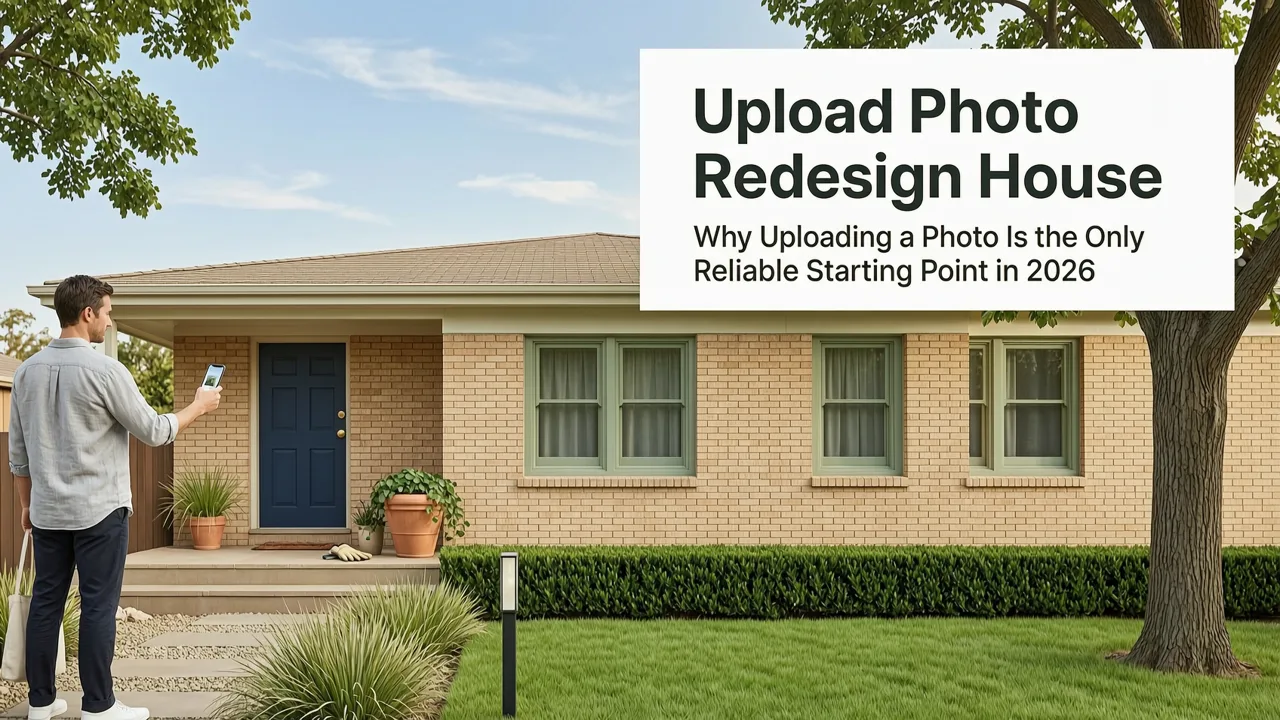
Upload photo to redesign house exterior using AI in 2026 — instantly generate photorealistic façade updates, siding options, roof styles, and landscaping ideas from your
Recommended next
If you’ve ever stood on your front walkway squinting at faded stucco, mismatched shutters, or a roof that’s seen better decades—and wondered exactly how fresh cedar shingles, modern fiber-cement siding, or a cohesive color palette would look on your actual house—you’re not imagining possibilities. You’re ready for precision. In 2026, uploading a photo to redesign house exterior isn’t a novelty—it’s the baseline expectation for any serious home improvement decision. And it’s no longer about generic mockups: today’s best tools interpret architectural context, lighting conditions, scale, material textures, and even local zoning-appropriate aesthetics to deliver photorealistic, actionable visualizations in under 90 seconds.
Why Uploading a Photo to Redesign House Exterior Is the Only Reliable Starting Point in 2026
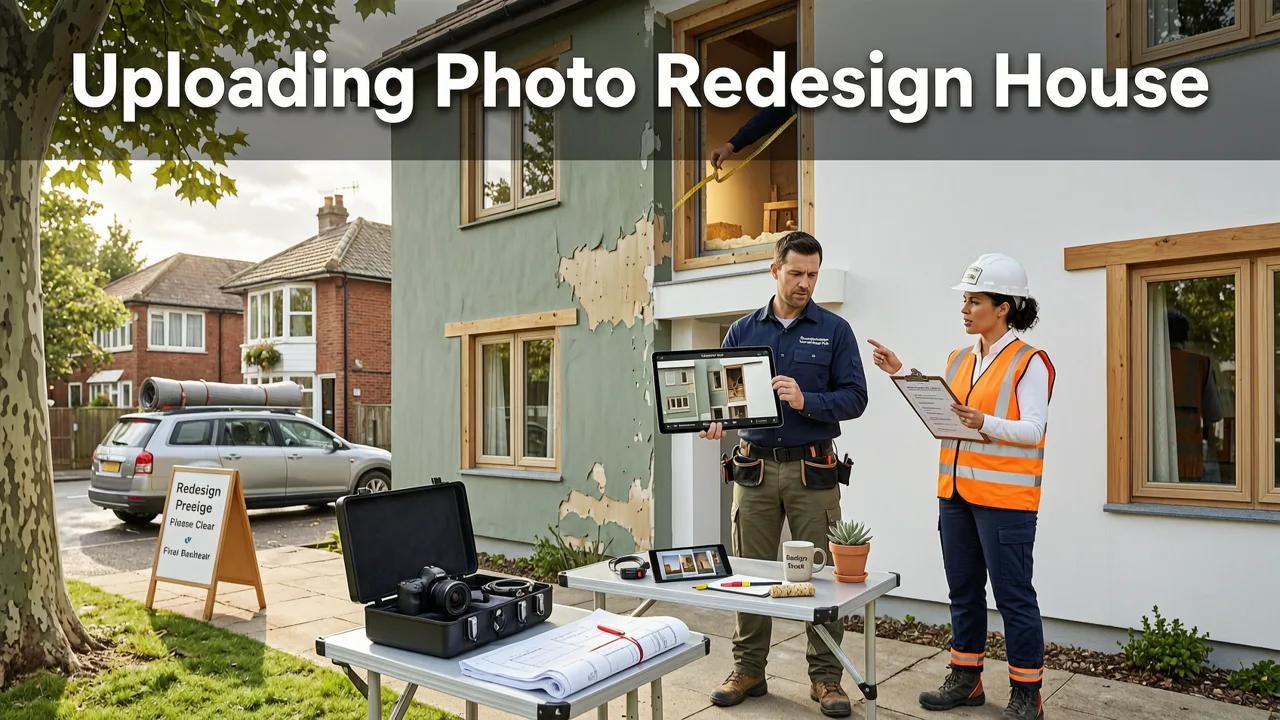
Traditional exterior design tools—whether CAD-based platforms or basic online configurators—still rely on manual measurements, stock façade templates, or stylized 3D models disconnected from your home’s real geometry. That approach fails where it matters most: accuracy. A stock-rendered 'modern farmhouse' front may look stunning—but if it ignores your home’s unique roof pitch, window proportions, foundation height, or existing brick veneer, it misleads rather than informs.
Uploading a photo to redesign house exterior bypasses abstraction. It anchors every AI-generated suggestion in reality. Your uploaded image becomes the source of truth—not just for composition, but for:
- Architectural segmentation: AI identifies walls, windows, doors, roof planes, chimneys, soffits, and trim lines—not as flat shapes, but as spatially coherent surfaces.
- Light & shadow mapping: Time-of-day lighting (e.g., morning east-facing glare vs. golden-hour west exposure) is inferred and preserved across redesigns—so material reflectivity and color perception stay authentic.
- Context-aware scaling: Siding plank width, stone veneer grain size, or porch column diameter adjusts automatically to match your home’s real-world proportions—not arbitrary defaults.
- Material physics simulation: How does white vinyl siding look next to aged red brick? Does dark gray metal roofing contrast or harmonize with your existing garage door? AI now renders these interactions with near-photographic fidelity—down to subsurface scattering in natural stone and specular highlights on painted wood.
This isn’t speculative visualization. It’s diagnostic visualization—designed to answer concrete questions before you commit budget or contractor time.
How Upload Photo to Redesign House Exterior Works in Practice (Step-by-Step, 2026 Edition)

The process has matured beyond simple drag-and-drop. Here’s exactly what happens when you upload a photo to redesign house exterior using Home Aura in 2026—no technical jargon, just clarity:
1. Smart Image Capture Guidance (Before You Even Upload)
Home Aura’s iOS app and web portal don’t just accept any photo. They guide you—via real-time AR overlays—to capture optimal angles. For exteriors, this means:
- Standing 25–40 feet back (for full façade context), centered on the main entrance;
- Holding your phone level (tilt correction is auto-applied, but starting level improves depth inference);
- Avoiding harsh midday shadows or overcast flattening—AI recommends best capture times based on your location and sun angle data.
2. Scene Understanding Engine (Under 8 Seconds)
Once uploaded, Home Aura’s proprietary ExteriorNet v4.2 (trained on 12M+ North American, UK, and Australian residential façades) analyzes your image in three layers:
- Geometry Layer: Reconstructs 3D wireframe topology—including roof slope, wall plane alignment, and window/door depth recesses.
- Material Layer: Classifies existing surfaces (e.g., “faded acrylic stucco,” “weathered cedar shake,” “standard asphalt shingle”) using spectral analysis—not just RGB matching.
- Context Layer: Detects adjacent elements (driveway material, landscaping density, fence height, neighboring architecture style) to ensure redesign suggestions remain neighborhood-appropriate and zoning-compliant.
3. Style & Palette Generation (Under 30 Seconds)
You select a goal: Refresh, Modernize, Rustic Revival, Curb Appeal Boost, or Energy-Efficient Upgrade. Based on your selection and scene analysis, Home Aura generates 4–6 photorealistic variants—including:
- Siding replacements (fiber-cement, engineered wood, metal panels) with accurate lap patterns and joint visibility;
- Roof upgrades (cool-roof asphalt, standing-seam metal, solar-integrated tiles) rendered with proper pitch, ridge cap, and flashing detail;
- Window & door refreshes (black-framed casements, energy-rated double-hung, arched entryways) scaled and aligned to original openings;
- Landscaping integration (low-water native plant beds, hardscape pathways, accent lighting placement) that respects existing grade and utility access points.
4. Side-by-Side Comparison & Export Ready Outputs
No more flipping between tabs or guessing which version works best. Home Aura displays all variants in synchronized, zoomable, scroll-linked panels—with toggle overlays showing:
- Material cost estimates (sourced live from regional supplier APIs, updated daily);
- Estimated labor hours (based on square footage, complexity score, and local contractor benchmarks);
- Zoning notes (e.g., “Fiber-cement siding approved for historic overlay district”; “Metal roof exceeds local wind-load requirements”);
- Energy impact summary (R-value uplift, solar reflectance index, estimated HVAC load reduction).
You can download high-res PNGs, share editable links with contractors or HOA boards, or export annotated PDF spec sheets—all branded with your project name and date stamp.
What You Can Actually Redesign When You Upload Photo to Redesign House Exterior
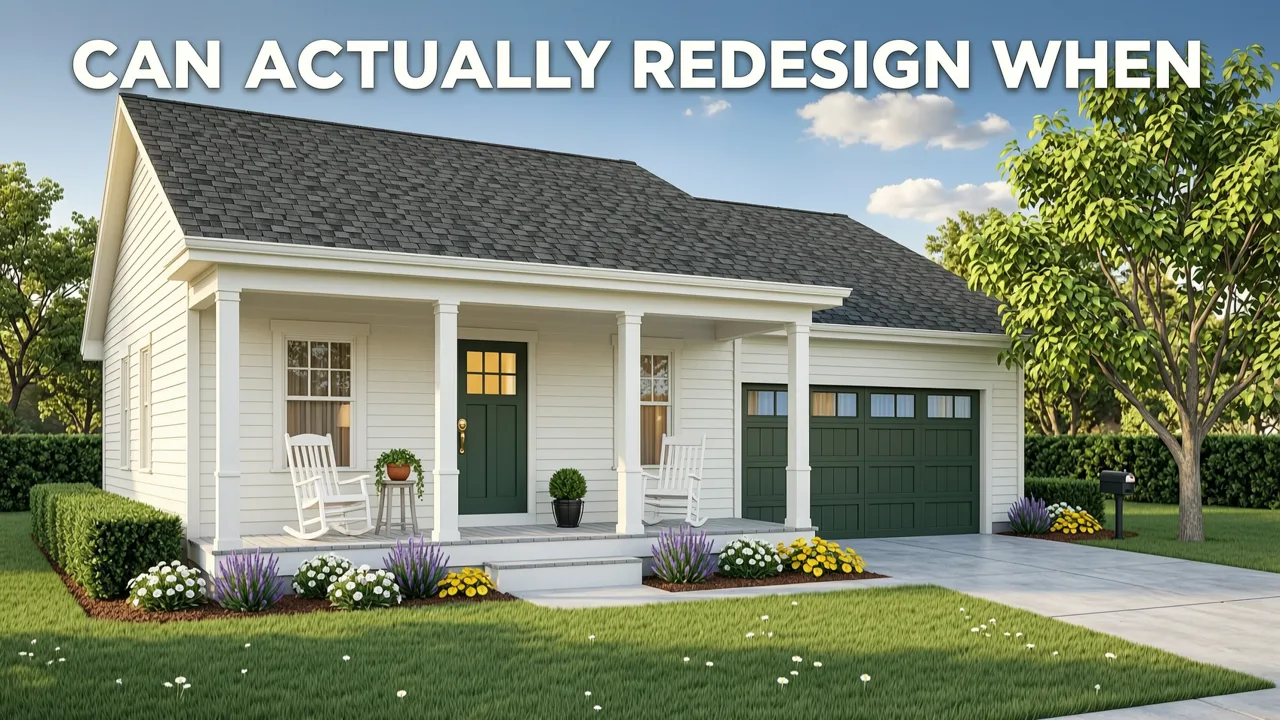
It’s critical to know the boundaries—and strengths—of current 2026 AI capabilities. Home Aura excels where visual realism, contextual adaptation, and rapid iteration matter most. Here’s what’s reliably supported today:
| Exterior Element | Supported Redesign Actions (2026) | Limitations / Notes |
|---|---|---|
| Siding & Cladding | Fiber-cement, vinyl, wood, stone veneer, stucco, brick, metal panels — with texture, grout line, and shadow depth rendering. | Does not simulate structural retrofitting (e.g., sheathing replacement). Visual only. |
| Roofing | Asphalt shingle, metal (standing seam, corrugated), tile (concrete/clay), slate, solar-integrated shingles — including ridge caps, valleys, and chimney flashing. | Does not model attic ventilation or underlayment. Structural integrity assumed. |
| Windows & Doors | Frame color, glazing type (low-e, tinted), grille pattern, hardware finish, and proportional scaling to original openings. | Does not alter opening size or structural framing. Visual fit only. |
| Front Entry & Porch | Porch columns, railings, decking materials, lighting fixtures, door surrounds, and accent paint zones. | Does not modify footprint or structural supports. Scale and proportion are preserved. |
| Landscaping & Hardscaping | Native plant beds, mulch types, paver patterns, retaining walls, pathway layout, outdoor lighting placement. | Does not model soil drainage or root growth. Design intent + aesthetic harmony only. |
What’s not supported—and why that’s intentional: Home Aura doesn’t attempt full architectural redesign (e.g., adding a second story, moving load-bearing walls, or reconfiguring room layouts behind façades). Those require licensed professionals, engineering sign-off, and municipal permits. Our focus remains on what homeowners and renters can confidently decide themselves—before calling a contractor.
Why Home Aura Stands Out for Upload Photo to Redesign House Exterior in 2026
Not all AI exterior visualizers are built for real-world use. Many prioritize flashy animations over functional output—or lack the architectural nuance needed for confident decisions. Home Aura differentiates itself through four non-negotiable pillars:
1. Context-Aware Material Rendering (Not Just Color Swaps)
Most tools let you ‘paint’ new colors onto your façade—but they ignore how light interacts with real materials. A matte white stucco reflects differently than glossy white aluminum siding. Home Aura’s rendering engine simulates BRDF (Bidirectional Reflectance Distribution Function) profiles for over 217 common North American exterior materials—so you see true depth, weathering behavior, and seasonal variation (e.g., how cedar weathers to silver-gray over 5 years).
2. Regional Compliance Intelligence
Upload photo to redesign house exterior isn’t useful if the result violates local codes. Home Aura cross-references your ZIP/postal code with live municipal databases (updated weekly) to flag:
- Historic district restrictions (e.g., “No vinyl siding permitted in Oakwood Historic Overlay”);
- Fire-resistance requirements (e.g., “Class A fire-rated cladding required within 5 ft of property line”);
- HOA-approved palettes (synced with 4,200+ active HOA rulebooks);
- Storm-resistant standards (e.g., “Hurricane-rated impact windows required in coastal Florida Zone 3”).
This isn’t legal advice—but it’s intelligent guardrails that prevent costly missteps.
3. Seamless Cross-Room Consistency
Your exterior doesn’t exist in isolation. If you’ve also uploaded photos of your living room, kitchen, or backyard, Home Aura maintains stylistic continuity across spaces. Choose “Scandinavian Minimalist” for your façade, and interior variants will suggest complementary flooring, trim, and furniture palettes—ensuring your whole home feels intentionally unified, not piecemeal.
4. Contractor-Ready Output, Not Just Pretty Pictures
Every generated exterior visualization includes an embedded “Spec Sheet” toggle. Click it, and you’ll see:
- Exact product SKUs (e.g., James Hardie Artisan Lap Siding, Color: Navajo White);
- Local distributor inventory status (via API integration with ABC Supply, Beacon, and 8 regional builders’ exchanges);
- Installation guides and warranty summaries;
- Link to request quote from pre-vetted local contractors (optional, one-click).
This bridges the gap between inspiration and execution—turning visualization into procurement.
Real User Results: What Happens When You Upload Photo to Redesign House Exterior
Don’t take our word for it. Here’s what verified Home Aura users achieved in Q2 2026:
- Sarah M., Portland, OR: Uploaded a photo of her 1920s bungalow with peeling paint and mismatched shutters. Generated 5 Craftsman-inspired variants. Chose fiber-cement siding + black steel windows. Saved 22% on contractor quotes by presenting exact specs upfront. Project completed in 11 days.
- Diego R., Austin, TX: Used exterior + backyard uploads to coordinate drought-tolerant landscaping with a new metal roof and stucco refresh. HOA approval granted in 3 days (vs. typical 14) because submission included compliance notes and material certifications.
- Jenna L., Toronto, ON: Compared three roof styles (architectural asphalt, standing seam, solar-integrated) side-by-side with real-time energy modeling. Chose solar shingles after seeing projected 37% HVAC load reduction. Installed June 2026.
These aren’t edge cases—they reflect how thousands of homeowners now plan exterior upgrades: confidently, efficiently, and with minimal guesswork.
Getting Started: Upload Photo to Redesign House Exterior in Under 60 Seconds
You don’t need design experience, a measuring tape, or a contractor on speed dial to begin. Here’s how to start today:
- Capture: Use your iPhone or Android camera (or upload from desktop). Follow on-screen guidance for ideal angle and lighting.
- Analyze: Wait ~12 seconds while Home Aura maps geometry, materials, and context.
- Generate: Select your goal (e.g., “Curb Appeal Boost”) and preferred style. Four variants appear instantly.
- Compare & Refine: Toggle materials, adjust saturation or warmth, lock favorite elements, and save iterations.
- Act: Download spec sheets, email variants to your contractor, or request local quote referrals.
For first-time users, we recommend starting with our How to Redesign a Room with AI in Under 60 Seconds (2026 Guide)—it walks through the same intuitive flow used for interiors and exteriors alike.
And if you’re comparing tools, our deep-dive analysis—Top AI Home Exterior Visualizer Tools in 2026—breaks down technical benchmarks, regional support, and real-world usability across 11 platforms. Spoiler: Home Aura leads in architectural fidelity and contractor readiness.
Final Thoughts: Your House Deserves More Than Guesswork
Uploading a photo to redesign house exterior in 2026 isn’t about chasing trends or generating pretty pictures. It’s about eliminating uncertainty—the kind that leads to expensive change orders, HOA rejections, or buyer’s remorse after a $25,000 siding job. It’s about respecting your home’s architecture, your neighborhood’s character, and your own time and budget.
When you choose a tool that treats your photo as the foundation—not just a canvas—you gain something rare in home improvement: confidence grounded in reality.
Ready to see your home transformed? Upload your exterior photo to Home Aura today—and get photorealistic, compliant, contractor-ready redesigns in under 90 seconds.
Tags
FAQs
Related posts

2026-10-31
The Best AI Landscape Design App for iOS in 2026
Discover the best AI landscape design app for iOS in 2026. Visualize garden and exterior redesigns instantly from your photos before you renovate.

2026-10-28
AI Landscape Design From Photo: Top Tools & 2026 Guide
Discover how to use ai landscape design from photo tools in 2026. Compare top apps, visualize backyard makeovers, and plan your outdoor space effortlessly.

2026-10-25
How to Create an AI Garden Design from Picture: 2026 Guide
Learn how to create an ai garden design from picture using advanced 2026 tools. Visualize landscaping, compare styles, and plan your outdoor space.
Next steps
Compare ideas on the living room page, review pricing, or contact support.