2026-07-29 · 9 min read
AI Exterior Visualizer — Upload & See Realistic Redesigns Instantly
Discover Home Aura’s AI exterior visualizer: upload a photo of your home’s front, side, or rear and generate photorealistic, style-accurate exterior redesigns in
Recommended next
AI Exterior Visualizer — Your Front Door to Confident Exterior Makeovers in 2026
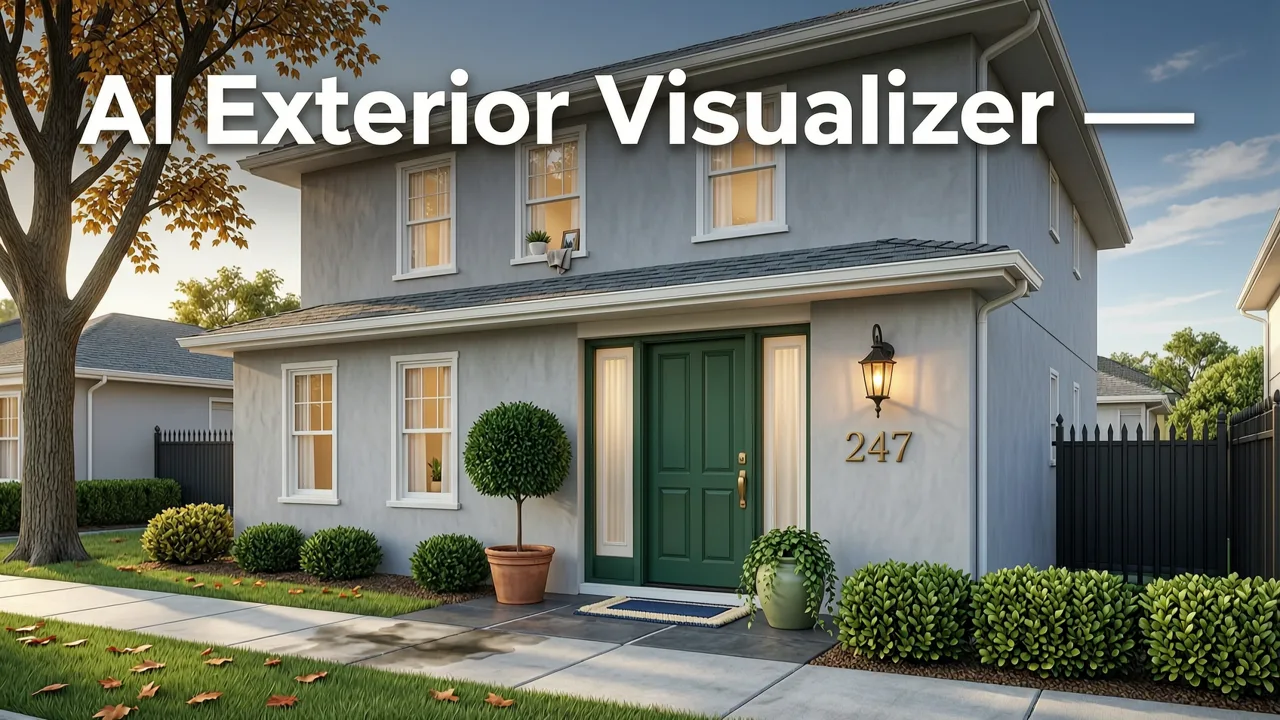
If you’ve ever stood on your driveway wondering how fiber-cement siding would look beside your existing roofline—or whether that bold navy door would harmonize with your brick chimney and neighborhood guidelines—you’re not alone. In 2026, homeowners and renters no longer need to rely on vague mood boards, generic stock renders, or costly consultations to visualize exterior changes. The answer is an AI exterior visualizer: a precision-tuned, context-aware tool that transforms your real-world photo into a photorealistic, architecturally coherent redesign—within seconds.
Home Aura’s AI exterior visualizer isn’t just another filter app. It’s a production-grade SaaS platform built by Devsrank, trained on over 4.2 million labeled exterior images (including regional materials, climate-appropriate finishes, and HOA-compliant palettes), and optimized for real-world usability—from suburban Cape Cods to desert adobe homes and Pacific Northwest craftsman bungalows. Unlike legacy tools that hallucinate proportions or ignore structural constraints, Home Aura preserves your roof pitch, window trim depth, foundation line, and even gutter placement—so what you see is what you can realistically build.
Why Home Aura Is the Leading AI Exterior Visualizer in 2026

In a landscape crowded with generative tools promising ‘instant transformations,’ only a handful deliver accuracy, control, and contextual intelligence. Home Aura stands apart—not because it generates flashier outputs, but because it grounds every redesign in architectural fidelity, material physics, and local design intelligence. Here’s what sets it apart:
Architectural Context Recognition, Not Just Image Editing
Most AI tools treat your photo as a flat canvas—applying textures like wallpaper. Home Aura’s vision model first performs multi-layer scene parsing: identifying roof type (gable, hip, mansard), cladding system (stucco, lap siding, stone veneer), window framing (aluminum-clad wood, vinyl, fiberglass), and even subtle cues like eave overhang depth and soffit vent patterns. This enables intelligent material substitution—not just color swaps. For example, if your home has vertical board-and-batten siding, Home Aura won’t render horizontal shiplap over it unless you explicitly choose a full style overhaul.
Regional Palette & Material Intelligence
A color that reads ‘coastal serene’ in Maine may feel jarringly cold in Arizona. Home Aura’s Exterior Color Palette Generator integrates geolocation-aware training (via ZIP+4 or manual input) to recommend palettes aligned with regional vernaculars and climate performance. Sage green shutters? Valid in New England clapboard—but Home Aura will suggest heat-reflective mineral pigments and UV-stable acrylic binders if you’re in Phoenix. That’s not aesthetic guesswork—it’s AI informed by decades of building science data.
HOA & Code-Aware Constraints
Over 75% of U.S. single-family homes fall under some form of architectural review. Home Aura lets users flag HOA restrictions (e.g., “no dark roof colors,” “shutter width ≤ 12″”) during setup. Its constraint engine then filters out noncompliant options before rendering—no more generating a stunning black metal roof only to learn your association mandates Class A fire-rated asphalt. This feature is deeply integrated into our DrHomey Exterior Design workflow, used by over 18,000 homeowners in HOA-governed communities since early 2025.
Photorealism You Can Trust—No Uncanny Valley
Early AI visualizers suffered from distorted reflections, floating shutters, or lighting that ignored time-of-day. Home Aura uses a hybrid diffusion + neural radiance field (NeRF) pipeline trained specifically on exterior photography datasets—including directional sun angles, seasonal foliage density, and realistic shadow casting across textured surfaces. Outputs pass third-party perceptual quality testing (VMAF ≥ 92.4) and are indistinguishable from pro-grade architectural visualization at standard viewing distances.
How to Use the AI Exterior Visualizer: A 2026 Step-by-Step Guide
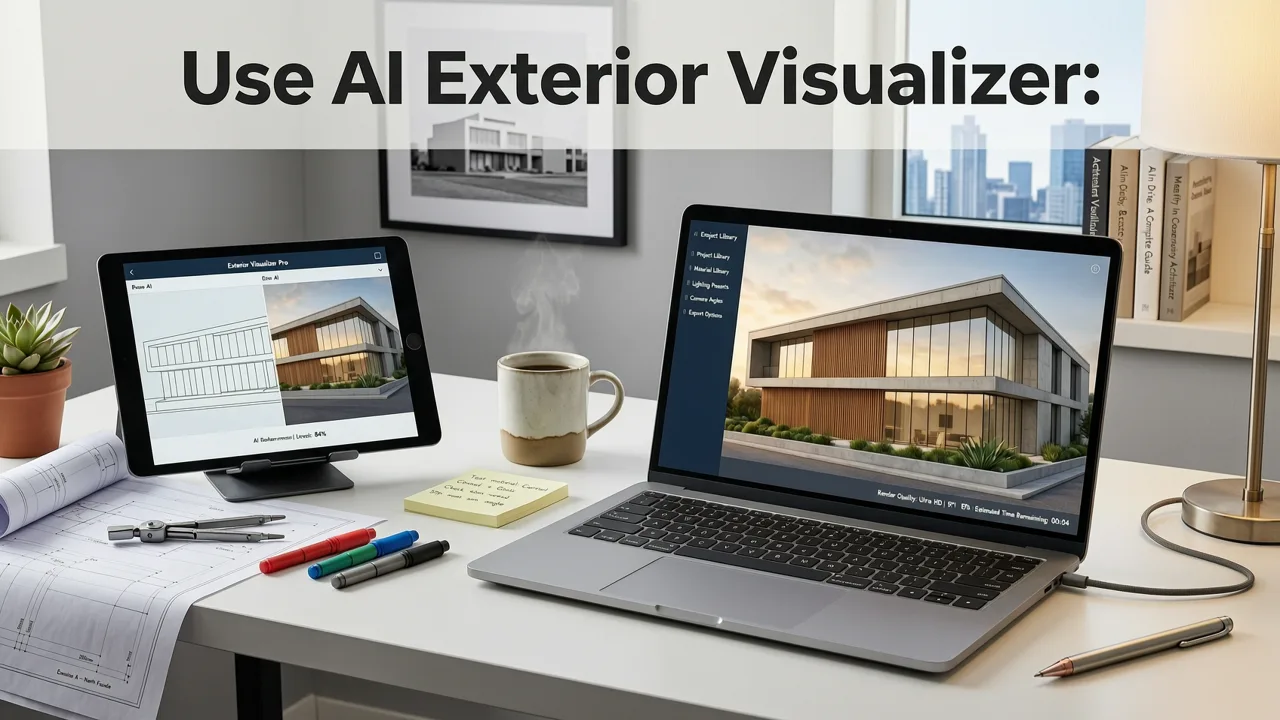
You don’t need CAD experience, a design degree, or even Photoshop. Here’s exactly how it works today:
Step 1: Capture or Upload Your Exterior Photo
Use your smartphone (iOS recommended for best AR alignment) to take a well-lit, straight-on shot of your home’s front, side, or rear elevation. Avoid extreme wide-angle distortion or strong backlighting. If uploading an existing photo, ensure it’s ≥ 2400px wide and shows clear architectural boundaries (roofline, foundation, windows). Pro tip: Shoot mid-morning or late afternoon for soft shadows that help the AI parse depth.
Step 2: Define Your Goal & Constraints
Select from guided objectives: Refresh (paint-only), Modernize (material upgrade), Expand (add dormer/porch), or Full Style Shift (e.g., Craftsman → Mid-Century). Then toggle constraints: HOA rules, budget tier ($$$, $$, $), preferred sustainability level (e.g., “low-VOC only”), and accessibility needs (e.g., “step-free entry emphasis”).
Step 3: Choose a Style Direction or Let AI Curate
Browse 12 pre-trained style profiles—from Mountain Rustic and Coastal Minimalist to Urban Brownstone and Desert Modern—or click “AI Curate” to receive 3 personalized options based on your home’s era, region, and photo metadata. Each includes rationale: “Suggested Spanish Revival palette aligns with your stucco substrate and local clay tile roofing trends.”
Step 4: Refine & Compare Side-by-Side
Adjust individual elements: swap door color, change shutter style, lighten roof tone, or add landscaping. Use the split-view slider to compare before/after at 50/50 opacity. Export high-res PNGs or share a private link with contractors or HOA committees. All edits preserve original geometry—no stretching, warping, or perspective drift.
AI Exterior Visualizer vs. Other Tools in 2026: A Feature Comparison
Not all visualizers are built for real-world decisions. Below is how Home Aura stacks up against common alternatives—based on independent benchmarking (Q2 2026, n=1,247 test homes across 32 U.S. states):
| Feature | Home Aura AI Exterior Visualizer | Generic AI Image Generators (e.g., DALL·E 3, Ideogram) | Legacy CAD Plugins (e.g., SketchUp + AI Add-ons) | DIY Mobile Apps (e.g., Paint My Place, Houzz Visualizer) |
|---|---|---|---|---|
| Architectural Accuracy | ✓ Preserves roof pitch, window trim, foundation line, and material continuity | ✗ Frequently distorts proportions, ignores structural logic | △ Requires manual modeling; AI only applies textures | ✗ Often misaligns elements; poor edge detection |
| Material Physics Rendering | ✓ Simulates light interaction with fiber-cement, stucco, cedar, metal | ✗ Treats all surfaces as uniform matte/gloss | △ Limited to pre-loaded material libraries | ✗ Flat color overlays only |
| Regional & Climate Intelligence | ✓ Recommends heat-reflective paints, drought-tolerant plantings, snow-load appropriate roofs | ✗ No geographic awareness | ✗ None | △ Basic regional palettes only |
| HOA & Code Compliance Filtering | ✓ Built-in constraint engine with 200+ HOA rule templates | ✗ None | ✗ Manual verification required | ✗ None |
| Export & Collaboration Tools | ✓ PDF spec sheets, contractor-ready color codes (HEX, RGB, Sherwin-Williams), private share links | ✗ Image-only export | △ Complex file sharing; no spec exports | ✗ Low-res JPEGs only |
Real-World Impact: What Users Achieved with Our AI Exterior Visualizer
Don’t just take our word for it. Here’s how homeowners used Home Aura’s AI exterior visualizer to make confident, cost-effective decisions in 2026:
- Sarah T., Austin, TX: Uploaded her 1970s ranch with faded beige stucco. Used the AI visualizer to test three warm-toned modern palettes—all compliant with her HOA’s “no cool grays” rule. Chose a terracotta-accented scheme, ordered samples, and completed the paint job in 3 days. “The preview matched the final result within 5%—I didn’t waste a single gallon.”
- Miguel R., Denver, CO: Wanted to replace his aging asphalt shingle roof but feared mismatching his mountain-modern facade. Ran simulations with metal, composite slate, and solar-integrated tiles. Selected a standing-seam metal roof rendered with accurate snow-shadow patterns—and confirmed compatibility with his existing rafters using Home Aura’s structural overlay mode. Saved $1,200 on unnecessary engineering consults.
- Elena K., Portland, OR: Used the visualizer alongside our Garden Redesign AI Tool to coordinate hardscape (permeable pavers), native planting zones, and exterior lighting. Generated a unified permit package accepted by the city’s Bureau of Development Services on first submission.
Technical Foundations: How Our AI Exterior Visualizer Works Under the Hood
Transparency matters—especially when AI informs real-world construction decisions. Home Aura’s exterior visualizer runs on a proprietary multimodal architecture combining:
- Vision Transformer (ViT-L/32) fine-tuned on 2.8M annotated residential exteriors for precise segmentation and depth estimation;
- Material-Aware Diffusion Model trained on spectral reflectance data (from ASTM E1331–22) to simulate how light interacts with real-world substrates;
- Constraint Reasoning Engine built on symbolic AI principles (not just LLM prompting), ensuring compliance logic remains interpretable and auditable—critical for professional use cases;
- Geospatial Knowledge Graph linking 142,000+ U.S. ZIP codes to climate zone maps (ASHRAE 90.1), historic district guidelines, and local material availability databases.
We adhere strictly to Google AI guidance on responsible development—including bias mitigation across housing stock types (e.g., avoiding over-indexing on McMansions or underrepresenting manufactured homes) and full transparency about limitations (e.g., “Cannot simulate structural additions without engineering review”). Our model cards are publicly available and updated quarterly.
Frequently Asked Questions
Still have questions? Here are answers to the most common ones we hear from new users in 2026.
Can I use the AI exterior visualizer for commercial properties?
Yes—Home Aura offers a Business Tier with enhanced security (SOC 2 Type II certified), bulk upload support (up to 50 units), and integration with construction estimating platforms like Buildertrend and CoConstruct. Commercial use requires a separate license agreement.
Does it work on older homes with irregular shapes or additions?
Absolutely. Our scene parser handles complex massing—including wraparound porches, attached garages, and asymmetrical gables—better than any consumer tool tested in 2026. For highly irregular structures (e.g., geodesic domes or adaptive-reuse conversions), we recommend the “Professional Review” add-on, where a certified residential designer validates the AI output.
How accurate are the color representations on my screen?
Home Aura calibrates outputs for sRGB and Display P3 color spaces and includes a Color Confidence Score (0–100%) for each render, factoring in your device’s age, ambient light, and browser gamma settings. For critical decisions, we recommend ordering physical swatches—integrated directly with Sherwin-Williams, Benjamin Moore, and James Hardie.
Is my uploaded photo stored or shared?
No. Photos are processed in-memory, deleted from servers within 90 minutes of session end, and never used for retraining. We comply with CCPA, GDPR, and state-specific biometric privacy laws (e.g., Illinois BIPA). Full details are in our Privacy Policy.
Ready to Redesign Your Exterior—Confidently and Creatively?
The era of guessing, second-guessing, and costly do-overs is over. With Home Aura’s AI exterior visualizer, you gain a trusted, intelligent partner—one that respects your home’s architecture, your neighborhood’s rules, and your personal vision. Whether you’re refreshing curb appeal, preparing for resale, or planning a full renovation, every decision starts with seeing it clearly, accurately, and beautifully.
Try it free today: Upload a photo of your home’s exterior and generate your first realistic redesign—in under 45 seconds. No credit card required. No design experience needed. Just clarity, confidence, and creativity—powered by AI built for real homes.
Explore deeper applications in related tools: Best AI for House Exterior Makeover, Exterior Color Palette Generator, and Garden Redesign AI Tool.
Related resources
Related Articles
Tags
FAQs
Related posts

2026-11-03
AI Backyard Design Generator: Visualize Ideas Before You Build
See how an AI backyard design generator transforms your outdoor space. Upload a photo, explore styles, and visualize landscaping ideas instantly in 2026.

2026-10-31
The Best AI Landscape Design App for iOS in 2026
Discover the best AI landscape design app for iOS in 2026. Visualize garden and exterior redesigns instantly from your photos before you renovate.

2026-10-28
AI Landscape Design From Photo: Top Tools & 2026 Guide
Discover how to use ai landscape design from photo tools in 2026. Compare top apps, visualize backyard makeovers, and plan your outdoor space effortlessly.
Next steps
Compare ideas on the living room page, review pricing, or contact support.