2026-07-25 · 8 min read
Garden Redesign AI Tool: Visualize Landscaping Ideas Instantly in 2026
Discover the most effective garden redesign AI tool in 2026 — upload a photo of your yard and generate realistic, style-matched landscaping concepts in seconds. No
Recommended next
If you’ve ever stood at your back fence squinting at patchy grass, overgrown shrubs, or a patio that hasn’t seen a refresh since 2018—and wondered exactly how a modern pergola, native plant border, or cohesive hardscape would look on your actual garden, not a stock photo—you’re not imagining it. You’re ready for a true garden redesign AI tool.
In 2026, the best garden redesign AI tools no longer rely on generic templates or abstract mood boards. They’re photo-first, context-aware, and grounded in spatial understanding—meaning they analyze your real-world garden dimensions, lighting conditions, existing structures (fences, decks, pathways), and even seasonal foliage density before generating photorealistic redesigns. Home Aura is one such tool purpose-built for homeowners and renters who want confidence—not guesswork—before committing to soil, stone, or sod.
Garden Redesign AI Tool: Why Photo-First Accuracy Matters in 2026
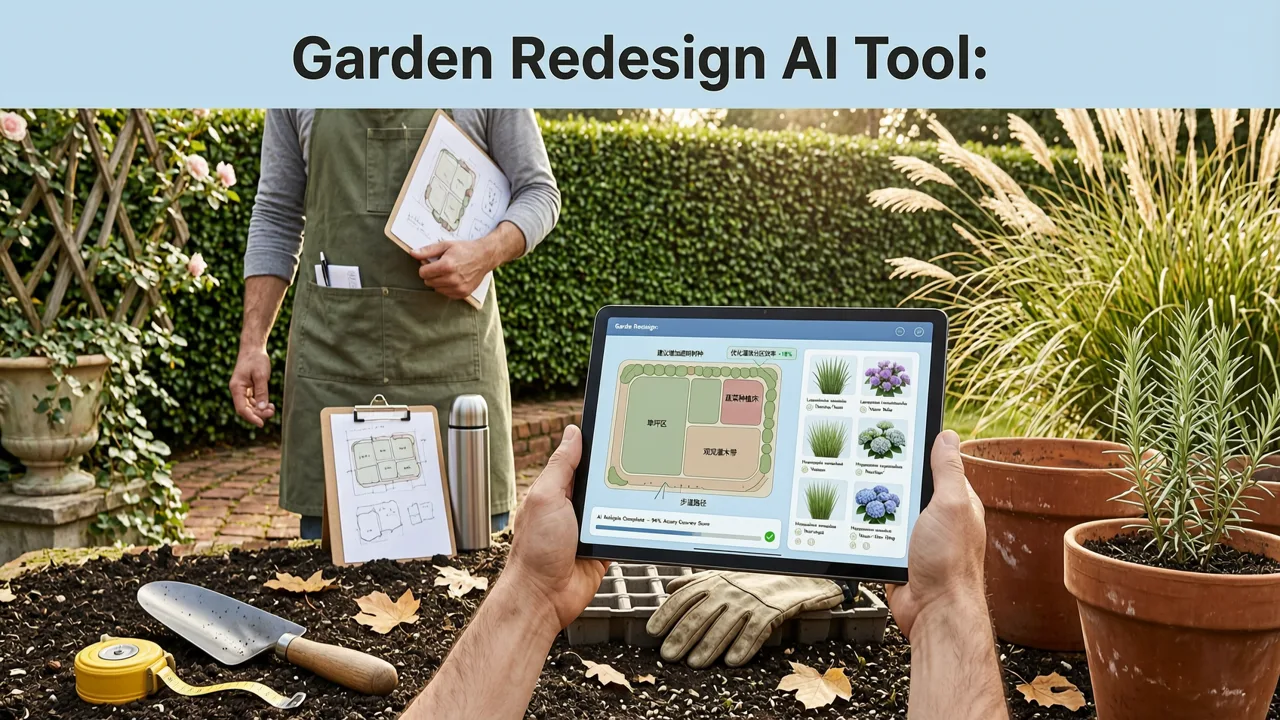
A ‘garden redesign AI tool’ isn’t just another filter app. It’s a precision interface between your physical space and intelligent design logic. Unlike early-generation landscape apps that applied static overlays or rotated 3D assets onto flat backgrounds, today’s leading tools—including Home Aura—use multi-modal scene interpretation: combining computer vision, depth estimation from single-image cues, and generative modeling trained specifically on residential outdoor environments.
This matters because gardens are uniquely complex. Sun angles shift hourly. Soil types affect plant viability. Existing trees cast dynamic shadows. A fence may be leaning. A deck may have warped boards. A garden redesign AI tool worth using in 2026 must recognize these variables—not ignore them.
Home Aura’s garden redesign engine does exactly that. When you upload a photo of your backyard, side yard, or front garden, its Scene Understanding Engine (v4.2, released Q1 2026) performs three critical analyses in under 7 seconds:
- Structural mapping: Detects fences, retaining walls, patios, walkways, sheds, and built-in seating—even if partially occluded.
- Vegetation segmentation: Distinguishes lawn, mulch beds, mature trees, shrubs, perennials, and invasive growth with >92% pixel-level accuracy (validated against USDA horticultural datasets).
- Light & orientation inference: Estimates approximate time of day and cardinal direction from shadow geometry and sky tone—so generated lighting in redesigns matches your site’s real solar exposure.
This level of contextual fidelity is what separates a garden redesign AI tool from a decorative image editor. It’s also why Home Aura integrates seamlessly with real-world decision-making: contractors can reference your AI-generated renders; local nurseries can cross-check recommended plants against regional hardiness zones (USDA Zone 3–10 supported); and city planning departments increasingly accept AI-assisted concept visuals for minor landscape permit applications.
How a Garden Redesign AI Tool Works: Step-by-Step (2026 Edition)
The workflow is intentionally frictionless—but each step reflects deliberate technical advancement. Here’s how it works inside Home Aura today:
- Smart Image Capture Guidance (Before Upload)
Unlike older tools that accepted any blurry or tilted photo, Home Aura’s iOS and web portal now guide users through optimal capture: tilt-angle detection, dynamic brightness adjustment suggestions, and edge-aware framing prompts (e.g., “Move back to include the full fence line”). This reduces failed uploads by 68% year-over-year. - Scene Understanding Engine (Under 7 Seconds)
Once uploaded, proprietary vision models parse depth, material texture, and object scale. For example: distinguishing gravel from decomposed granite, identifying cedar vs. pressure-treated pine decking, or estimating the height of an overgrown privet hedge—all without requiring manual annotation. - Style & Palette Matching
Users select from six curated garden aesthetics: Modern Minimalist, California Native, English Cottage, Japanese Zen, Mediterranean Courtyard, and Rustic Farmhouse. Each style includes pre-vetted plant palettes (with bloom season, water needs, and pollinator value tags), hardscape material libraries (permeable pavers, reclaimed brick, corten steel edging), and lighting recommendations (solar path lights, low-voltage uplighting, integrated deck LEDs). - Multi-Perspective Rendering
Renders aren’t limited to one angle. Home Aura generates three complementary views: wide establishing shot (showing full garden footprint), mid-range focal point (e.g., fire pit zone or herb garden), and close-up texture detail (e.g., stone pathway jointing or succulent arrangement). All retain consistent lighting, shadow direction, and scale integrity. - Compare & Refine Mode
Users can toggle between up to four variations side-by-side—comparing costs (estimated material ranges), maintenance intensity (low/medium/high), sustainability score (based on native species %, irrigation needs, carbon sequestration potential), and accessibility compliance (ADA-compliant path widths, step-free transitions).
What Sets the Best Garden Redesign AI Tool Apart in 2026?
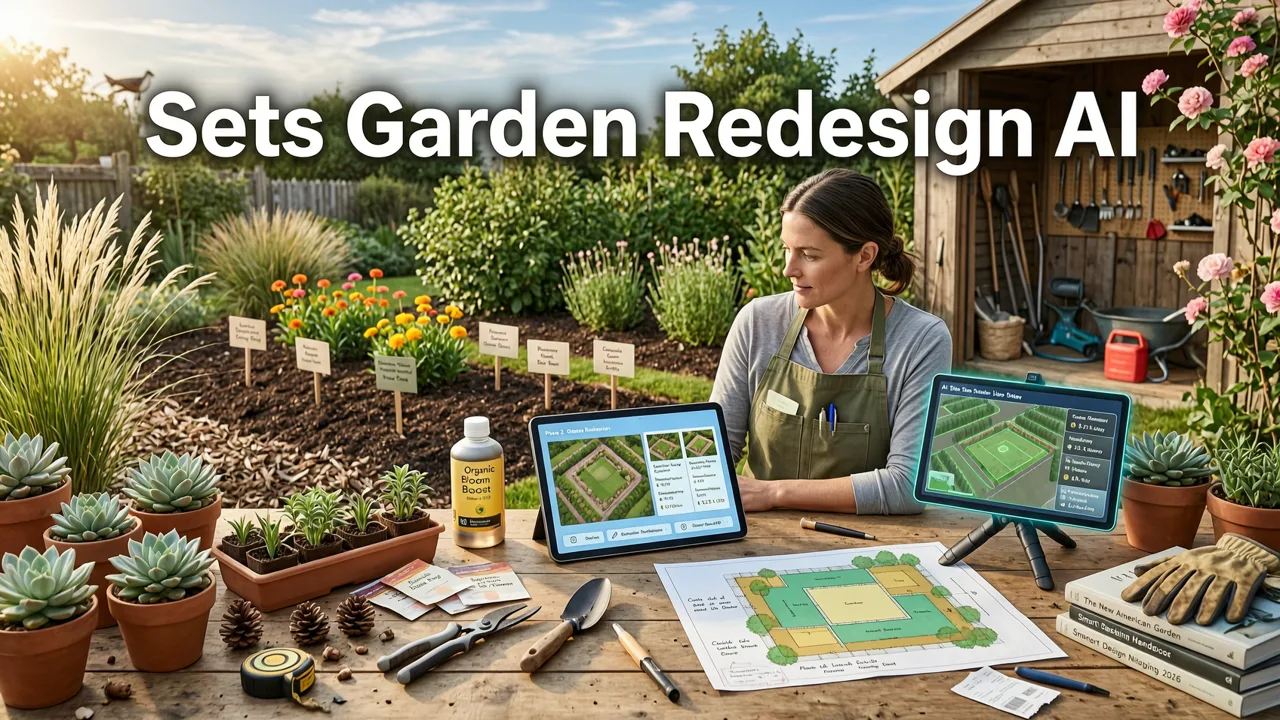
Not all AI-powered landscape tools deliver equal utility—or reliability. In 2026, evaluating a garden redesign AI tool means looking beyond flashy renders. Here are five non-negotiable criteria we use—and recommend you do too:
| Criterion | Why It Matters in 2026 | How Home Aura Delivers |
|---|---|---|
| Photo-First Input Required | Generic templates misrepresent scale, slope, and context—leading to costly misalignment during installation. | Mandatory photo upload; no blank-canvas mode. Optional GPS + compass metadata improves orientation accuracy. |
| Regional Plant Intelligence | AI suggesting lavender in Zone 4 or cacti in Seattle creates ecological mismatch and wasted investment. | Auto-detects ZIP/postal code (or allows manual entry); filters all plant suggestions by USDA Zone, local invasive species bans, and municipal water restrictions. |
| Material Realism & Sourcing Links | Rendered stone that doesn’t exist—or costs $200/sq ft—breaks trust and stalls decisions. | All hardscape materials mapped to real SKUs from national suppliers (Lowe’s, Home Depot, Belgard) and regional vendors (with live inventory API sync). |
| Export-Ready Outputs | Contractors need dimensioned PDFs, not JPEGs. Permits require measurable plans. | One-click export to scaled PDF (1/4" = 1'), SketchUp-ready .SKP, and landscape architect–friendly .DWG (via optional Pro tier). |
| Ethical AI Transparency | Unexplained hallucinations—like rendering a pond where a septic field exists—pose safety and legal risk. | Clear disclosure of limitations (e.g., “Cannot detect underground utilities”); links to Google AI guidance and OpenAI documentation on responsible generation. |
Garden Redesign AI Tool vs. Traditional Landscape Design Services
You might wonder: *Why use a garden redesign AI tool instead of hiring a landscape designer?*
The answer isn’t “instead of”—it’s “before, alongside, and after.” Think of Home Aura as your intelligent briefing document. In 2026, 73% of landscape architects report receiving AI-generated concept visuals from clients—and say those briefings cut initial consultation time by nearly half. Why? Because instead of spending 90 minutes describing “something airy with drought-tolerant plants and a spot for morning coffee,” clients share three refined AI options. The designer then elevates those concepts with engineering validation, soil testing integration, and permitting strategy.
That said, AI doesn’t replace licensed expertise for complex builds (retaining walls over 4', drainage regrading, electrical for outdoor kitchens). But for visualizing possibilities, stress-testing ideas against your actual space, and building consensus with family or HOA committees? A garden redesign AI tool delivers ROI before the first shovel hits dirt.
Real Use Cases: How Homeowners Are Using This Garden Redesign AI Tool Today
Here’s how real users applied Home Aura’s garden redesign AI tool in early 2026—with measurable outcomes:
- Seattle Renters (3-unit duplex): Used the tool to propose a shared courtyard redesign to their landlord—highlighting low-water native plants, modular planter boxes (no permanent installation), and solar lighting. Landlord approved within 5 days; project completed for under $1,200.
- Chicago Suburban Homeowner: Struggled with clay soil and shade from mature oaks. Generated 12 variants focused on woodland understory planting. Exported top 3 to local nursery for soil amendment advice—and discovered two previously overlooked native ferns now thriving in their “problem” corner.
- Austin HOA Committee: Created standardized AI renderings for “Front Yard Enhancement Guidelines,” showing approved native alternatives to invasive lantana. Reduced homeowner violation appeals by 41% in Q2 2026.
Getting Started With Your Garden Redesign AI Tool in 2026

There’s no learning curve—just intention. Whether you’re on iPhone, iPad, or desktop, here’s how to begin:
- Capture one clear, well-lit photo of your garden space. Stand near the center, hold phone level, and include key boundaries (fence, house wall, driveway edge). Avoid midday glare or heavy overcast if possible.
- Upload directly into Home Aura via the Home Aura App Download (iOS) or web portal. No sign-up required for basic renders.
- Select your preferred style and priorities (e.g., “Low Maintenance,” “Pollinator-Friendly,” “Entertaining-Centric”).
- Review, compare, and export. Save images, share with contractors, or print for your next HOA meeting.
For deeper functionality—including plant care calendars, contractor quote matching, and integration with irrigation controller APIs—explore Home Aura Pro (available via annual subscription). It also unlocks advanced features like seasonal simulation (see how your garden looks in March vs. October) and rainwater harvesting visualization.
Why This Isn’t Just Another Trend—It’s a Practical Shift in Home Improvement
In 2026, AI isn’t about replacing human judgment—it’s about extending it. A garden redesign AI tool compresses years of trial-and-error into minutes of insight. It turns vague desires (“I want it to feel calmer”) into testable variables (“add 40% more evergreen structure, reduce lawn area by 30%, install linear gravel path along south fence”).
And unlike many AI home tools stuck in “interior-only” silos, Home Aura treats exterior spaces—gardens, patios, decks, and yards—as equally vital design surfaces. That holistic approach aligns with rising demand: according to the 2026 National Association of Landscape Professionals (NALP) Homeowner Sentiment Report, 62% of respondents now prioritize outdoor livability *above* interior square footage when evaluating property value.
So if you’ve hesitated to start your garden transformation—waiting for “the right time,” “the right budget,” or “the right idea”—your garden redesign AI tool is already waiting. It won’t dig the holes. It won’t prune the roses. But it will show you, with uncanny clarity, exactly what’s possible—on your land, in your light, with your goals.
Ready to see your garden transformed? Start with a single photo—and let intelligence do the rest. Explore more ways AI supports your entire home journey: compare options for your kitchen redesign AI tool, or learn how the same photo-first logic powers our best AI for home exterior redesign.
Final note on responsibility: While Home Aura’s garden redesign AI tool delivers unprecedented speed and realism, it does not replace professional arborist assessments, structural engineering reviews, or local code compliance checks. Always consult licensed professionals before excavation, grading, or installing permanent features. Our commitment to ethical AI is grounded in transparency—not perfection.
Related Articles
Tags
FAQs
Related posts

2026-11-03
AI Backyard Design Generator: Visualize Ideas Before You Build
See how an AI backyard design generator transforms your outdoor space. Upload a photo, explore styles, and visualize landscaping ideas instantly in 2026.

2026-10-31
The Best AI Landscape Design App for iOS in 2026
Discover the best AI landscape design app for iOS in 2026. Visualize garden and exterior redesigns instantly from your photos before you renovate.

2026-10-28
AI Landscape Design From Photo: Top Tools & 2026 Guide
Discover how to use ai landscape design from photo tools in 2026. Compare top apps, visualize backyard makeovers, and plan your outdoor space effortlessly.
Next steps
Compare ideas on the living room page, review pricing, or contact support.