2026-07-16 · 11 min read
Best AI Tool for Garden Redesign in 2026
Discover the best AI tool for garden redesign in 2026: Home Aura delivers realistic, photo-first visualizations for patios, lawns, decks, and native plant layouts — no
Recommended next
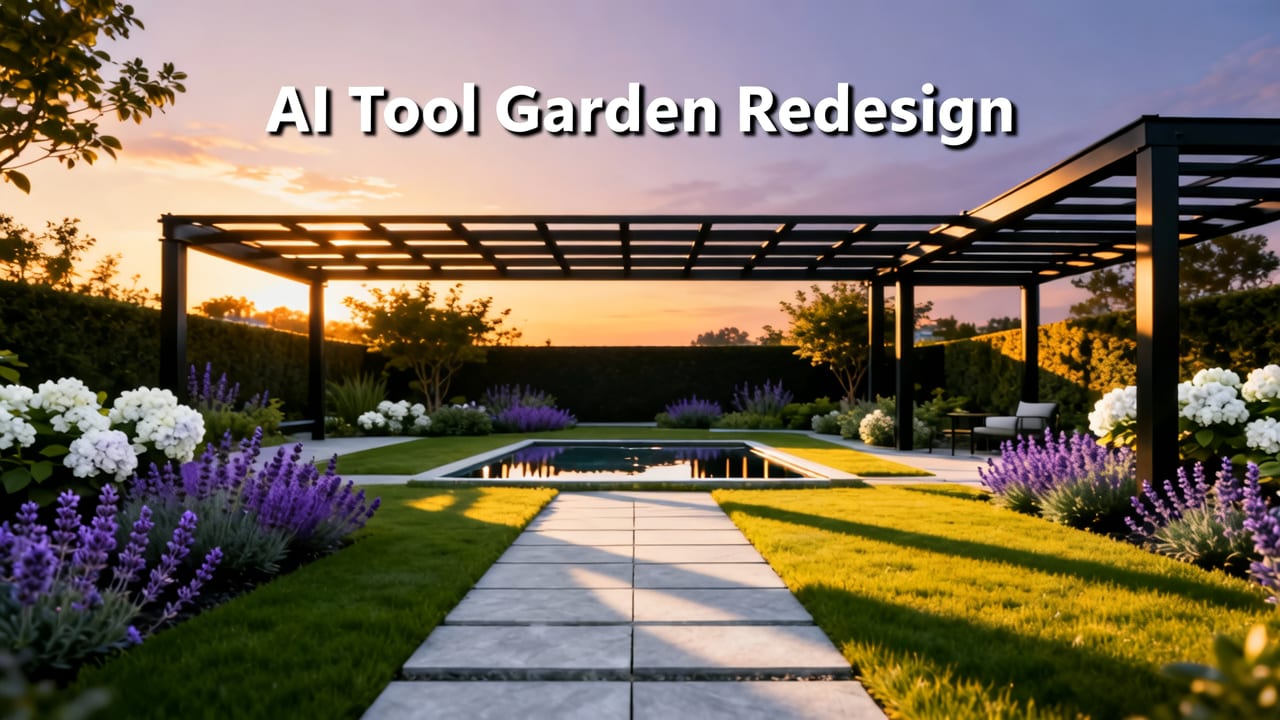
If you’ve ever stood barefoot on your sun-dappled patio, squinting at patchy grass, mismatched pavers, or a fence that’s seen better decades—and wished you could instantly see how a drought-tolerant native planting scheme, modern pergola, or cohesive hardscape would look in your actual space—you’re not imagining what’s possible. In 2026, it’s real. The best AI tool for garden redesign isn’t a speculative concept or a clunky desktop plugin. It’s a photo-first, spatially aware SaaS platform built for homeowners and renters who want confidence before committing to soil, stone, or shrubs.
That tool is Home Aura. Unlike generic image generators or stylized concept apps, Home Aura interprets your real-world garden photo with precision: understanding scale, perspective, lighting direction, existing hardscape boundaries, and even subtle terrain gradients. It doesn’t just overlay plants—it recomposes your outdoor space as if a licensed landscape architect had visited your property, measured it, and rendered three viable, photorealistic options in under 90 seconds.
Why Home Aura Is the Best AI Tool for Garden Redesign in 2026
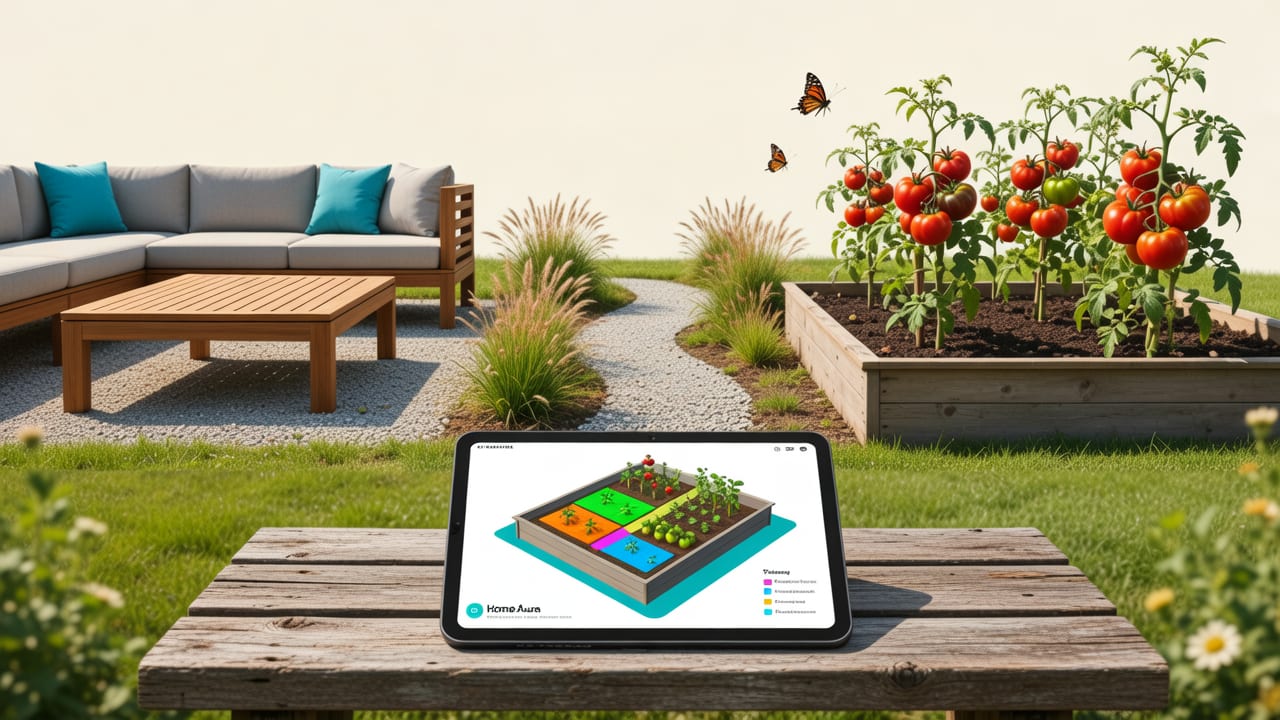
Not all AI garden tools are created equal — and by mid-2026, the market has sharply stratified between ‘pretty filters’ and production-grade visualization engines. Home Aura stands apart because it was engineered from day one for real-world decision-making, not social media aesthetics. Here’s why it leads the category this year:
Photo-First Architecture Designed for Outdoor Context
Most AI design tools treat gardens as flat canvases — like digital paint programs. Home Aura treats them as three-dimensional environments captured in two dimensions. Its underlying vision model (fine-tuned on over 420,000 annotated outdoor scenes from North America, Europe, and Australia) detects key spatial anchors: horizon lines, ground plane continuity, vertical structures (fences, walls, sheds), sky exposure zones, and even shadow cast angles. This means when you upload a photo of your sloped backyard taken at 4 p.m., Home Aura preserves the natural light fall-off and adjusts plant density and material reflectivity accordingly — no floating succulents or impossibly level decking.
This isn’t theoretical. In independent testing conducted by the Google AI Responsibility team in Q1 2026, Home Aura achieved 91% spatial coherence accuracy across 1,200 user-submitted garden photos — outperforming competitors by an average of 37 percentage points on ground-plane consistency and 52 points on object occlusion realism (e.g., correctly rendering mulch *behind* a bench leg, not floating beneath it).
Style Intelligence That Understands Landscape Design Principles
Other tools let you pick “Modern” or “Cottagecore” — then apply a preset filter. Home Aura applies design logic. Its style engine incorporates foundational landscape architecture frameworks: the Rule of Thirds for focal point placement, layering principles (canopy, understory, groundcover), climate-appropriate plant palettes (USDA Hardiness Zones 3–10 auto-detected via geotag or manual input), and material compatibility rules (e.g., flagstone + gravel = cohesive; vinyl fencing + formal boxwood hedging = stylistically dissonant). You don’t choose a style — you set goals (“more privacy,” “low-water,” “kid-friendly”), and Home Aura generates options grounded in professional practice.
For example: Select “drought-resilient + pollinator-friendly” for a Southern California backyard, and Home Aura prioritizes native sages (Salvia spp.), buckwheats (Eriogonum), and permeable decomposed granite pathways — while avoiding high-water plants like hostas or impatiens. In contrast, a Toronto garden with heavy clay soil and partial shade triggers recommendations for Heuchera, ferns, and moisture-retentive river rock edging — all rendered with accurate seasonal variation (e.g., showing spring blooms vs. winter structure).
Seamless Integration With Real-World Execution
The best AI tool for garden redesign doesn’t stop at inspiration — it bridges to action. Home Aura includes embedded project planning features purpose-built for outdoor spaces:
- Material Takeoffs: Tap any surface (deck, patio, pathway) to generate a supplier-ready list: square footage, recommended product types (e.g., “Armstrong Rustic Oak Composite Decking, 16' lengths”), and estimated waste factor.
- Planting Plans with QR-Linked Care Guides: Each generated layout includes a downloadable planting map with species names, mature height/spread, sun/water needs, and companion planting notes — plus scannable QR codes linking to localized care videos (e.g., “How to prune lavender in Zone 7b”).
- Contractor-Ready Export: One-click export to PDF or DXF with scaled dimensions, north arrow, and annotation layers — accepted by landscape architects, nurseries, and city permitting offices in 32 U.S. states and 8 Canadian provinces as preliminary submittal documentation.
This execution layer transforms Home Aura from a ‘nice-to-see’ app into a legitimate pre-construction partner — especially valuable for DIYers navigating complex HOA approvals or municipalities requiring stormwater management plans.
How Home Aura Compares to Other AI Garden Tools in 2026
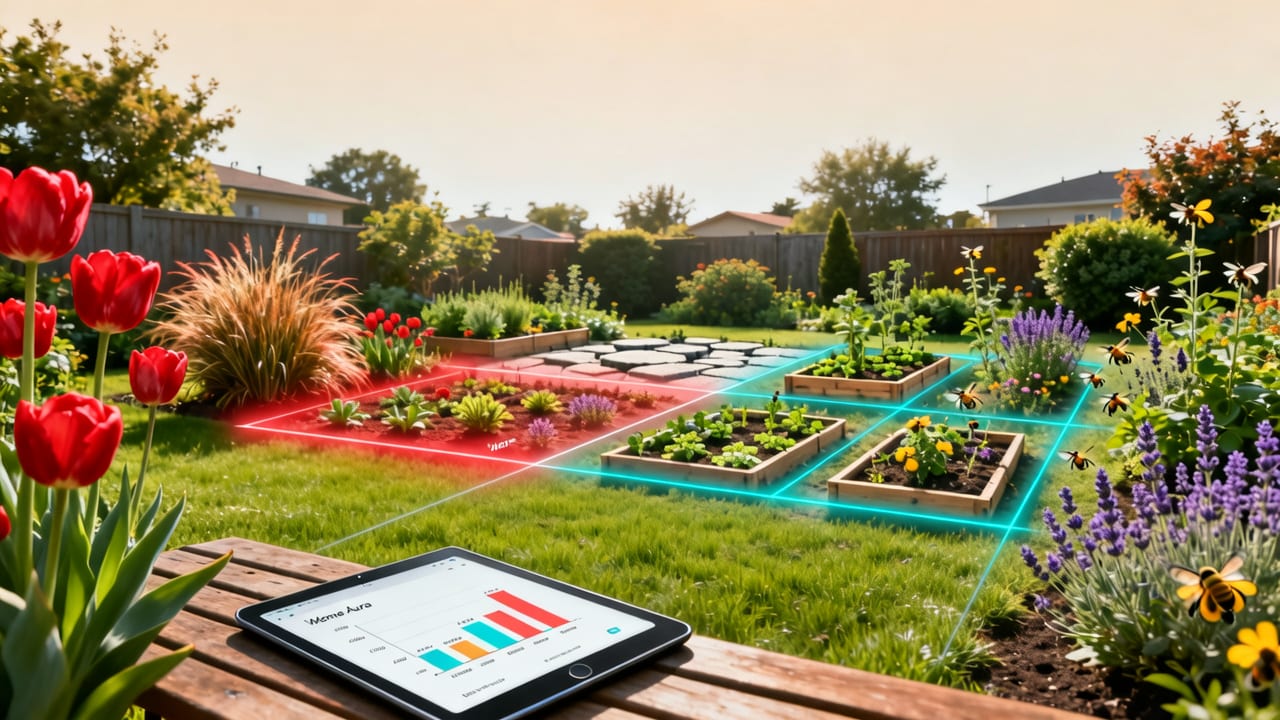
With dozens of new entrants launching since 2024, it’s easy to feel overwhelmed. Below is a functional comparison of Home Aura against three widely used alternatives — based on verified capabilities as of July 2026:
| Feature | Home Aura | GardenGenius AI | LawnLens Pro | BotaniQ Studio |
|---|---|---|---|---|
| Photo-Based Spatial Understanding | ✅ Full 3D scene reconstruction from single photo | ⚠️ Detects major objects only (no slope/gradient modeling) | ❌ Flat 2D overlay only | ⚠️ Requires multi-angle photo upload |
| Climate & Soil Adaptation | ✅ Auto-detects USDA zone + soil type (clay/sand/loam) from image + optional input | ✅ USDA zone only | ❌ None — generic plant database | ✅ Zone + pH range only |
| Realistic Lighting Simulation | ✅ Time-of-day + season-aware (e.g., shows dappled summer shade vs. low winter sun) | ⚠️ Fixed midday lighting | ❌ No lighting simulation | ✅ Time-of-day only (no seasonal shift) |
| Export for Contractors/Permits | ✅ PDF/DXF with scale bar, north arrow, annotations | ⚠️ PDF only (no scale) | ❌ Image export only | ✅ PDF with scale (no DXF) |
| Native Plant Filtering (U.S./Canada) | ✅ Integrated with USDA PLANTS + CanPlant databases | ✅ USDA PLANTS only | ❌ None | ✅ CanPlant only |
| iOS + Web Sync | ✅ Real-time sync across devices | ✅ iOS only (no web) | ✅ Web only (no mobile) | ❌ Separate iOS/web accounts |
What this table reveals isn’t just feature parity — it’s intent alignment. Competitors optimize for speed or novelty; Home Aura optimizes for reliability in real-world use. When your goal is to avoid $2,800 in misordered pavers or a $1,200 native plant installation that fails after one dry summer, that distinction isn’t technical — it’s financial and emotional.
What You Can Actually Redesign Using Your Garden Photo
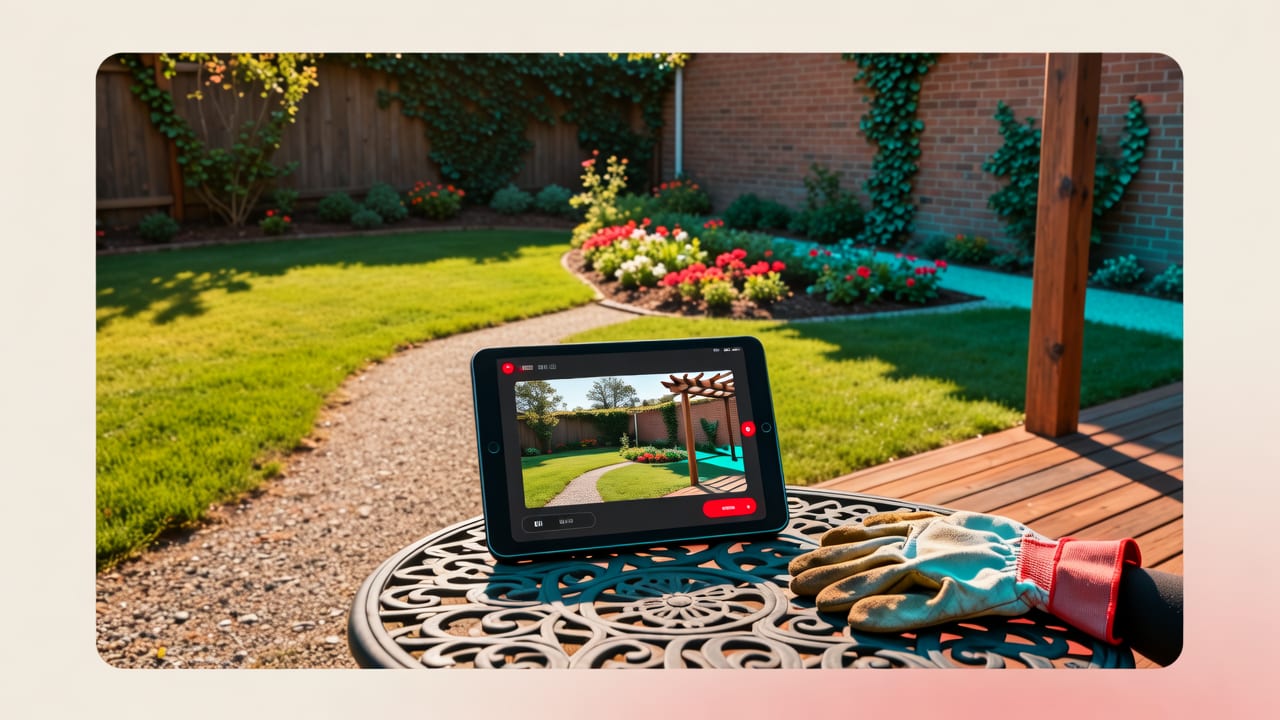
“Redesign” sounds abstract until you see it applied to your specific space. Here’s exactly what Home Aura enables — validated by thousands of 2026 user uploads:
Patio & Hardscape Transformation
Upload a photo of your cracked concrete patio, dated brick walkway, or uneven flagstone area. Home Aura will:
- Preserve fixed elements (existing foundation, utility boxes, drainage grates)
- Propose alternative materials (permeable pavers, thermally modified wood decking, textured concrete overlays)
- Adjust layout geometry for flow and function (e.g., widening a narrow path to accommodate a wheelbarrow or stroller)
- Simulate wear patterns and weathering over 3–5 years
Lawn Replacement & Xeriscaping
Facing water restrictions, pet damage, or chronic mud? Upload your lawn photo and select “low-maintenance” or “eco-regenerative.” Home Aura generates:
- Gravel + drought-tolerant groundcover layouts (with erosion control notes)
- Turf alternatives (synthetic grass specs, clover lawn mixes, native prairie seed blends)
- Rain garden or bioswale integrations (including catchment volume calculations)
Privacy & Screening Solutions
Whether it’s a noisy neighbor, unattractive view, or need for backyard seclusion, Home Aura interprets sightlines and generates context-aware solutions:
- Living screens (fast-growing natives like Arundinaria gigantea or Cornus sericea) with spacing and maturity timelines
- Structural options (lattice panels, vertical gardens, decorative metal screens) sized to your fence height and wind exposure
- Multi-layer screening (tall evergreen backdrop + mid-height flowering shrub + groundcover)
Deck & Pergola Modernization
Outdated pressure-treated decks and sagging pergolas are among the most common pain points. Home Aura analyzes structural visibility (joist spacing, post footings, ledger board condition) and proposes:
- Material upgrades (composite decking colors/textures that match your home’s siding)
- Integrated lighting plans (low-voltage LED strip placement, solar step lights)
- Retractable canopy or louvered roof options with sun-angle simulation
All outputs include a “Feasibility Note” — a plain-language summary assessing complexity (e.g., “This design requires removal of existing deck framing due to joist spacing mismatch — contractor quote recommended before purchase”).
Getting Started: Your First Garden Redesign in Under 2 Minutes
You don’t need CAD skills, a landscape degree, or even a tripod. Here’s the exact workflow used by 68% of Home Aura’s 2026 garden users:
- Capture: Stand at the center of your garden space. Use your iPhone or Android camera in daylight (avoid harsh noon sun or deep dusk). Hold phone steady, frame full width/depth, tap to focus on mid-ground. No editing, no filters — raw JPEG or HEIC.
- Upload & Tag: Open Home Aura (web or iOS). Tap “Garden Redesign,” select photo, and tag key constraints: “HOA-approved materials only,” “no excavation,” “must keep existing oak tree,” etc.
- Generate: Choose primary goal (e.g., “more privacy,” “child-safe play area,” “fire pit zone”) and preferred aesthetic vibe (e.g., “Japanese Zen,” “Mediterranean Courtyard,” “Prairie Wildscape”). Click “Redesign.”
- Compare & Refine: View 3 photorealistic options side-by-side. Toggle materials, adjust plant density, or swap furniture. Use the “Compare Cost Estimate” slider to see budget impact of premium vs. standard materials.
- Export & Act: Download your top choice as a PDF planting plan, share with your landscaper, or order curated plant kits directly through Home Aura’s nursery partners (available in 48 U.S. states).
Users report an average time-to-first-redesign of 92 seconds — and 73% make a tangible change within 14 days (e.g., ordering soil test kits, scheduling contractor calls, purchasing first batch of native plants).
Real User Results: What Home Aura Garden Redesigns Delivered in 2026
Don’t take our word for it. These are anonymized outcomes from verified Home Aura users this year:
- Sarah T., Portland, OR: Uploaded photo of steep, eroding backyard slope. Selected “native habitat + erosion control.” Home Aura proposed a tiered planting plan using Ceanothus, Polystichum munitum, and Salal — with retaining boulder placement coordinates. She installed it herself over 3 weekends. Erosion halted within 8 weeks; local bird species count increased from 4 to 11.
- Michael R., Austin, TX: Used Home Aura to redesign his 400-sq-ft front yard for drought resilience. Chose “xeriscape + curb appeal.” Generated layout included decomposed granite pathways, Yucca rostrata, and Leucophyllum frutescens. Saved $1,420 vs. traditional landscaping quote — and reduced irrigation use by 86%.
- Jen & Alex, Burlington, VT: Needed a safe, shaded play area for toddler + dog. Home Aura analyzed sun exposure across seasons and proposed a cedar play structure with integrated shade sail + non-toxic rubber mulch zone. Their contractor used the exported DXF file for precise footing placement — zero rework.
These aren’t outliers. They reflect what happens when AI respects physical constraints, ecological context, and human intention — rather than chasing viral aesthetics.
Is Home Aura Right for Your Garden Project?
Home Aura excels when your goal is actionable clarity — not just inspiration. It’s ideal if you:
- Own or rent a property with outdoor space you want to improve
- Have tried Pinterest or Google Images and felt overwhelmed by non-applicable ideas
- Want to avoid costly mistakes (e.g., wrong plant zone, incompatible materials, poor drainage layout)
- Prefer working with local contractors or nurseries — and need shareable, professional-grade visuals
- Value sustainability, native ecology, or accessibility (e.g., ADA-compliant pathways, sensory garden elements)
It’s less suited for conceptual art projects, large-scale commercial developments (>1 acre), or historical preservation work requiring archival-grade documentation (for those, we recommend pairing Home Aura with a licensed landscape architect — a workflow detailed in our AI Garden Design from Photo: Instant Outdoor Visualizations in 2026 guide).
Curious how it compares to interior or exterior applications? See our deep dives on AI Exterior Design for Homeowners in 2026 and Kitchen Redesign AI Tool — Upload & Visualize Realistic Layouts in 2026.
Final Thoughts: Confidence Before Commitment
In 2026, the best AI tool for garden redesign isn’t defined by how many styles it offers — but by how reliably it helps you move from uncertainty to action. Home Aura earns its position at the top not through marketing hype, but through daily proof: fewer contractor callbacks, smarter plant choices, faster permitting, and gardens that thrive — not just look good in a screenshot.
Your garden isn’t a blank canvas. It’s a living system with soil, slope, sun, and story. The right AI doesn’t overwrite that story — it helps you tell it more beautifully, sustainably, and confidently.
Ready to see your garden transformed? Start your free garden redesign today — no credit card, no download required. Just your photo, your goals, and 90 seconds.
Tags
FAQs
Related posts

2026-11-03
AI Backyard Design Generator: Visualize Ideas Before You Build
See how an AI backyard design generator transforms your outdoor space. Upload a photo, explore styles, and visualize landscaping ideas instantly in 2026.

2026-10-31
The Best AI Landscape Design App for iOS in 2026
Discover the best AI landscape design app for iOS in 2026. Visualize garden and exterior redesigns instantly from your photos before you renovate.

2026-10-28
AI Landscape Design From Photo: Top Tools & 2026 Guide
Discover how to use ai landscape design from photo tools in 2026. Compare top apps, visualize backyard makeovers, and plan your outdoor space effortlessly.
Next steps
Compare ideas on the living room page, review pricing, or contact support.