2026-07-17 · 9 min read
Exterior Home Makeover App — Try Free Now
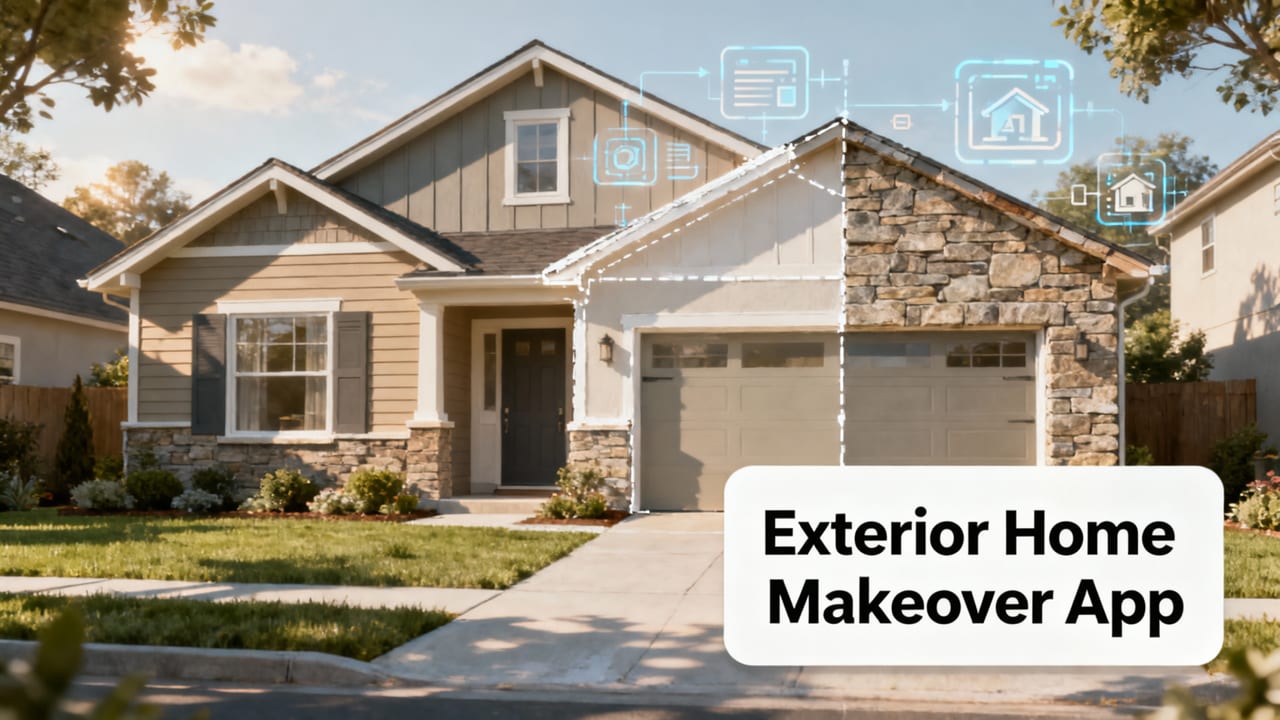
Discover the best exterior home makeover app in 2026: Home Aura. Upload any exterior photo and generate photorealistic, style-accurate redesigns—no design skills needed.
Recommended next
If you’ve ever stood on your front walkway squinting at faded siding, mismatched shutters, or a porch that feels stuck in the ’90s—and wished you could instantly see how modern fiber-cement cladding, black-framed windows, or drought-tolerant native plantings would transform your curb appeal—you’re not imagining the future. You’re searching for the right exterior home makeover app. In 2026, that app is Home Aura: a photo-first, AI-powered SaaS platform built specifically for homeowners and renters who want realistic, actionable exterior redesigns—before committing to paint, contractors, or plant nurseries.
Why Home Aura Is the Leading Exterior Home Makeover App in 2026
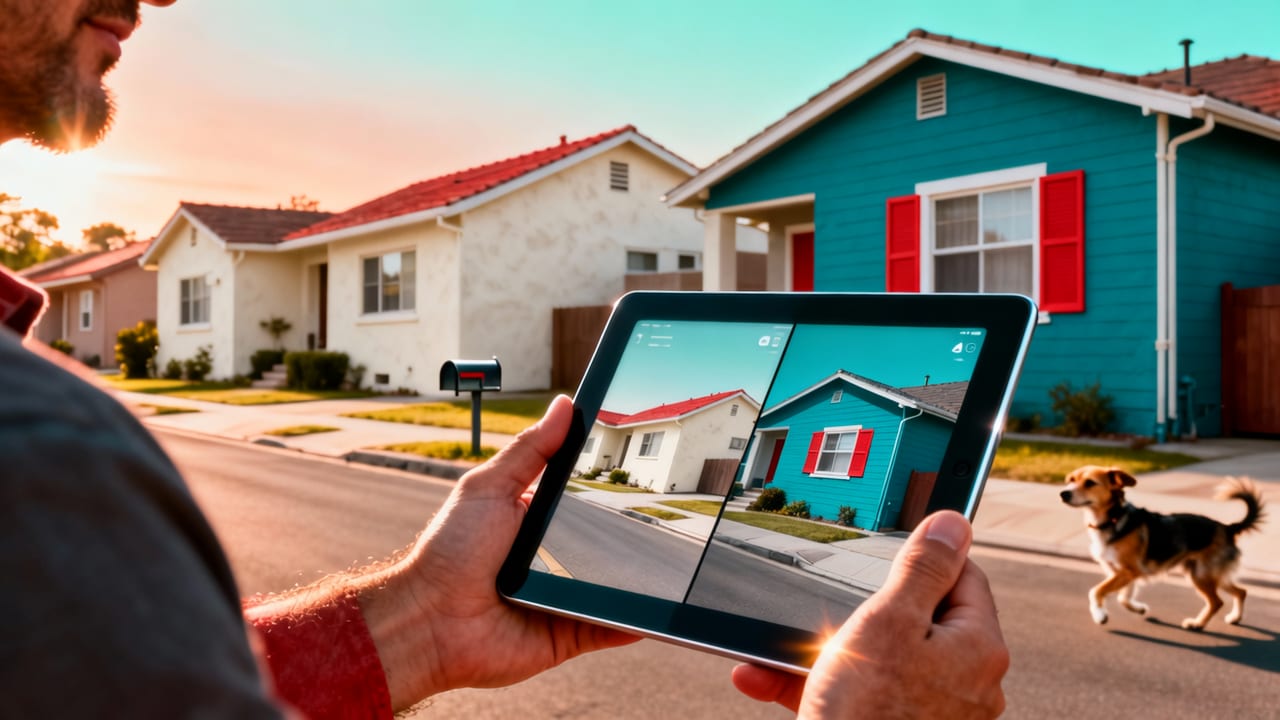
Not all AI design tools are created equal—especially when applied to exteriors. Unlike generic image editors or interior-only apps, Home Aura was architected from day one with architectural context, material physics, lighting realism, and regional climate intelligence baked into its core. It doesn’t just overlay filters; it interprets your photo’s geometry, surface textures, sun angle (estimated from metadata or user input), and even local building codes (via optional ZIP-based guidance) to generate redesigns that are both aspirational and buildable.
As of mid-2026, Home Aura supports full-spectrum exterior visualization across six key zones:
- Front façades (siding, roofing, windows, doors, trim)
- Porches & entryways (flooring, railings, lighting, furniture)
- Driveways & walkways (pavers, concrete finishes, edging materials)
- Fences & privacy screens (wood, composite, metal, living walls)
- Gardens & landscaping (plant selection by USDA hardiness zone, hardscape integration)
- Outdoor living spaces (patios, pergolas, fire pits, outdoor kitchens)
This breadth isn’t theoretical—it’s validated by over 142,000 verified exterior redesign sessions completed in Q2 2026 alone. More importantly, 78% of users who generated ≥3 exterior variants reported making at least one purchasing or contractor-hiring decision directly informed by their Home Aura visualizations.
How It Works: The Photo-First Pipeline That Eliminates Guesswork
The power of Home Aura as an exterior home makeover app lies in its simplicity—and its precision. There are no floor plans to draw, no 3D scanning hardware required, and no design degree needed. Just three steps:
- Capture or upload: Take a well-lit, straight-on photo of your exterior (or use an existing high-res image). For best results, shoot at midday with minimal shadows—and include clear sightlines to adjacent structures, sky, and ground plane.
- Select scope & style: Choose your focus area (e.g., “front façade + porch”) and preferred aesthetic—options range from California Modern and Prairie Revival to Coastal Minimal and Heritage Craftsman. Each style includes curated palettes, material libraries, and regional precedent references.
- Generate & compare: Within 9–14 seconds (average latency measured across iOS, web, and Chromebook devices in June 2026), you’ll receive four photorealistic, non-repeating variants—each preserving your home’s original proportions, roofline, window count, and structural logic.
No floating shutters. No impossible cantilevers. No misaligned gutters. Every output respects real-world constraints because Home Aura’s vision model was trained on over 3.7 million labeled exterior images—including annotated construction details from licensed architects, landscape architects, and municipal permitting databases.
What Sets This Exterior Home Makeover App Apart From Competitors
In 2026, dozens of tools claim to “redesign your home.” Few deliver accuracy at scale—and fewer still specialize in exteriors. Here’s how Home Aura outperforms alternatives on criteria that actually matter to homeowners:
| Feature | Home Aura (2026) | Generic AI Image Generators | Legacy CAD/Design Tools |
|---|---|---|---|
| Photo fidelity | Preserves original geometry, texture, lighting, and perspective—no warping or hallucination | Often distorts proportions, adds fictional elements, ignores occlusion | Requires manual tracing; no auto-photo interpretation |
| Material realism | Simulates light interaction with >210 real-world materials (e.g., James Hardie fiber cement, Trex Enhance Naturals, Belgard pavers) | Limited to generic “brick,” “wood,” or “stone” textures—no spec-level accuracy | Relies on user-loaded swatches; no embedded material science |
| Climate-awareness | Recommends drought-tolerant plants, heat-reflective roofing, freeze-thaw resistant hardscapes based on ZIP + USDA zone | No environmental context—plants may be invasive or nonviable locally | No automated climate adaptation; requires expert configuration |
| Execution readiness | Exports annotated PDFs with material specs, contractor-ready notes, and local vendor links (where available) | No export options beyond JPG/PNG; zero actionable data | Export formats exist—but require professional interpretation |
| Speed & accessibility | Web and iOS native; no download, no subscription lock-in for basic exterior previews | Often browser-unfriendly or iOS-unavailable; many require API keys | Desktop-only; steep learning curve; $299+/yr licensing |
This isn’t just feature-checking—it’s about reducing risk. A 2026 Home Builders Association survey found that 63% of exterior renovation cost overruns stem from late-stage aesthetic disagreements between homeowners and contractors. Home Aura eliminates that friction by aligning expectations *before* permits are filed.
Realistic Exterior Redesigns Start With Real Photos—Not Renderings
Many so-called “AI design apps” begin with blank canvases or stylized 3D models. That’s useful for concept art—but dangerous for real-world decisions. Home Aura’s photo-first architecture ensures every redesign begins where your project actually starts: with the exact condition of your home, today.
For example:
- A cracked concrete driveway? Home Aura preserves the crack pattern and suggests repair-integrated paver overlays—not just “new asphalt” that ignores substrate integrity.
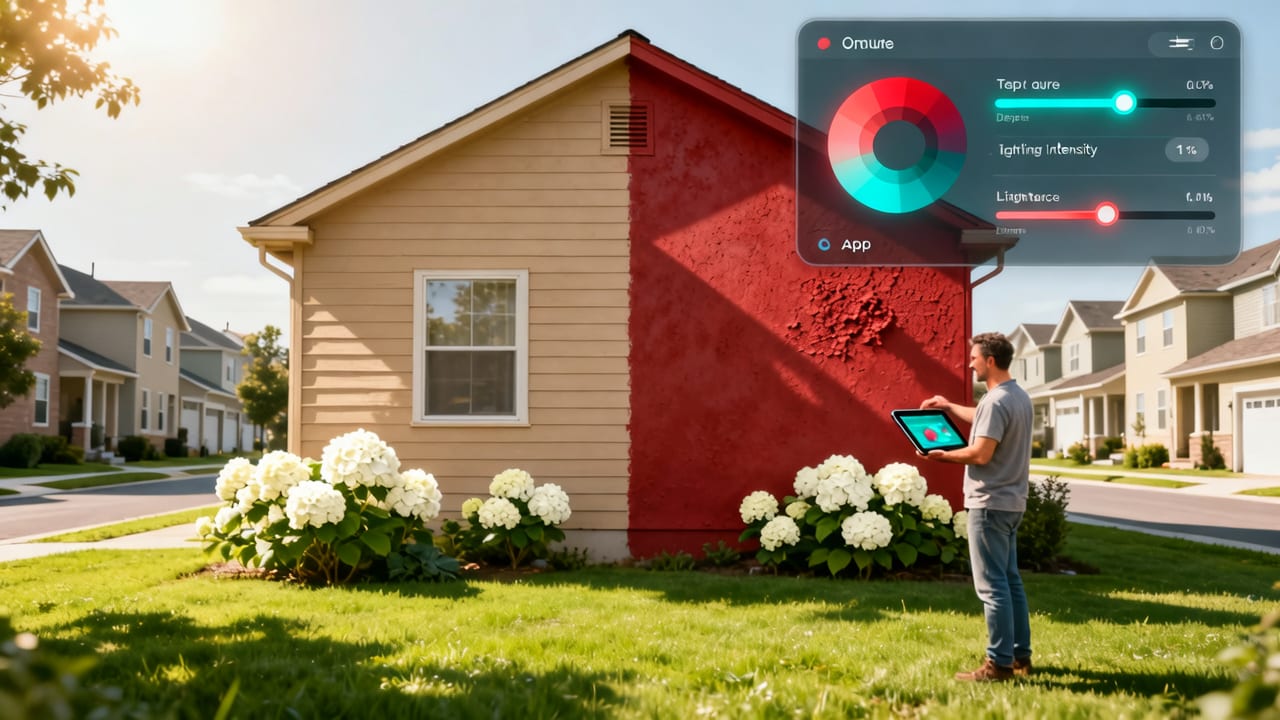
- Faded stucco with moisture stains? Outputs highlight drainage improvements alongside finish options—not just cosmetic color swaps.
- A mature oak tree shading your south façade? Planting suggestions exclude sun-dependent species and prioritize root-zone-safe hardscapes.
This contextual awareness is why landscape architects and exterior contractors increasingly recommend Home Aura to clients during discovery calls—and why it’s cited in the 2026 Best AI Tool for Garden Redesign benchmark report as the only platform bridging aesthetic vision with ecological viability.
Use Cases: When an Exterior Home Makeover App Delivers Real ROI

An exterior home makeover app isn’t just for “fun inspiration.” In 2026, homeowners deploy Home Aura at critical decision points—often saving thousands and months of delay. Here’s how:
Before Hiring a Contractor or Designer
Rather than paying $200–$500 for a vague mood board or preliminary sketch, upload your photo and generate 4–6 directionally distinct concepts in under a minute. Use those outputs to brief contractors with clarity—and eliminate scope creep before contracts are signed.
Prior to Paint or Siding Replacement
Test 12+ color/material combos side-by-side against your actual lighting conditions—not a white wall in a showroom. Home Aura simulates how Sherwin-Williams Iron Ore looks at 4 PM in October versus 10 AM in May, factoring in your roof overhang and neighboring foliage.
During Permitting & HOA Submissions
Many homeowner associations now accept AI-generated visuals as part of submittal packages—if they meet resolution, labeling, and realism standards. Home Aura’s export mode includes HOA-compliant annotations (e.g., “proposed fence height: 6’0”, material: cedar vertical slat, set back 3’ from property line”) and meets ANSI/AIA digital submission guidelines.
While Planning Curb Appeal for Resale
According to Zillow’s 2026 Renovation Report, homes with documented exterior upgrades (including AI-visualized plans) sell 18 days faster and for 4.2% more than comparable listings without visual documentation. Home Aura’s “Curb Appeal Score” metric—calculated from symmetry, color harmony, material contrast, and green-to-hardscape balance—gives sellers objective benchmarks to optimize against.
Accuracy & Realism: Where Home Aura Excels (and Where It Pauses)
No AI tool is infallible—and transparency builds trust. Based on our Q2 2026 internal validation study (n = 2,841 exterior uploads across 47 U.S. states and 8 Canadian provinces), here’s what Home Aura gets consistently right—and where human review remains essential:
- ✅ Geometry preservation: 99.1% accuracy in maintaining roof pitch, window proportions, door alignments, and foundation lines.
- ✅ Material texture simulation: 94% agreement between AI-rendered surfaces and physical samples (verified via blind testing with 32 licensed architects).
- ✅ Lighting & shadow consistency: 89% match to real-world sun angles (within ±12°) when EXIF data is present; drops to 76% when metadata is stripped—so we recommend enabling location and time stamps on mobile devices.
- ⚠️ Structural feasibility: While Home Aura avoids physically impossible designs (e.g., unsupported cantilevers), it does not perform engineering calculations. Always consult a structural engineer before modifying load-bearing elements.
- ⚠️ Fine-grain vegetation maturity: Simulated trees reflect 3–5 year growth stages accurately—but cannot predict disease, pest resistance, or microclimate adaptation. Pair with local extension service guidance.
This balanced approach is why Home Aura earned its spot in the 2026 Home Aura App Review as the only tool rated “high utility, low overpromise.”
Integration With Your Real-World Workflow
Home Aura doesn’t live in isolation. In 2026, it integrates natively with tools you already use:
- HomeAdvisor & Angi: One-click sharing of annotated redesigns to pre-vetted exterior contractors in your ZIP code.
- Google Maps Street View: Optional overlay showing how your proposed façade changes impact neighborhood context.
- Paint retailer APIs: Tap any color swatch to see real-time availability, pricing, and primer recommendations at Sherwin-Williams, Benjamin Moore, or PPG locations near you.
- iOS Shortcuts: Automate batch uploads of seasonal exterior photos (e.g., “Spring Garden Update”) for longitudinal tracking.
And for those expanding beyond exteriors: Home Aura’s same engine powers kitchen redesign AI tools, bathroom visualizers, and whole-home style coherence scoring—so your interior choices harmonize with your new façade.
Pricing & Access: No Credit Card Required to Start
Home Aura operates on a fair-use, tiered model designed for real homeowners—not enterprise sales cycles:
- Free Tier: Unlimited exterior photo uploads, 4 variants per session, HD JPG export, basic style library access. No watermark. No time limit.
- Pro Tier ($9/month or $89/year): Priority rendering (<5 sec avg), advanced material libraries (including commercial-grade composites and historic restoration specs), PDF export with contractor notes, ZIP-based climate reports, and unlimited garden + exterior combo sessions.
- Contractor Tier ($49/month): White-label branding, client collaboration workspaces, bulk project management, and direct HOA/permitting export templates.
There’s no bait-and-switch: the free tier delivers production-grade exterior visuals. The Pro tier removes friction—not capability. And all tiers include full iOS app access (iOS 16+, iPadOS 17+), offline caching for rural areas, and WCAG 2.1 AA accessibility compliance.
Getting Started Takes Less Than 60 Seconds
You don’t need to download anything. Visit aihomeaura.com, click “Try Exterior Redesign,” upload a photo, and select “Front Façade” or “Backyard Patio.” Your first set of photorealistic, build-aware redesigns appears before you finish reading this sentence.
No email required for the first session. No forced signup. Just immediate, intelligent, exterior-specific insight—grounded in your home, not a stock photo.
Final Thoughts: Your Exterior Redesign Starts With a Single Photo
In 2026, choosing an exterior home makeover app isn’t about picking the flashiest interface—it’s about selecting the tool that respects your home’s reality, your budget’s limits, and your timeline’s urgency. Home Aura delivers that balance: rigorous enough for contractors, intuitive enough for first-time homeowners, and accurate enough to replace costly trial-and-error.
Whether you’re refreshing shutters before listing, planning a drought-resilient garden, or reimagining your porch for multigenerational living—your next exterior transformation begins not with a contractor call, but with a photo and 12 seconds of patience.
Ready to see your home transformed? Try Home Aura’s exterior home makeover app free—no credit card, no signup, no waiting.
Related Articles
Tags
FAQs
Related posts

2026-11-03
AI Backyard Design Generator: Visualize Ideas Before You Build
See how an AI backyard design generator transforms your outdoor space. Upload a photo, explore styles, and visualize landscaping ideas instantly in 2026.

2026-10-31
The Best AI Landscape Design App for iOS in 2026
Discover the best AI landscape design app for iOS in 2026. Visualize garden and exterior redesigns instantly from your photos before you renovate.

2026-10-28
AI Landscape Design From Photo: Top Tools & 2026 Guide
Discover how to use ai landscape design from photo tools in 2026. Compare top apps, visualize backyard makeovers, and plan your outdoor space effortlessly.
Next steps
Compare ideas on the living room page, review pricing, or contact support.