2026-08-03 · 10 min read
Home Aura Exterior Design Demo — See It in Action
See the Home Aura exterior demo live: upload your home’s exterior photo and instantly generate realistic, context-aware AI redesigns for siding, paint, roofing,
Recommended next
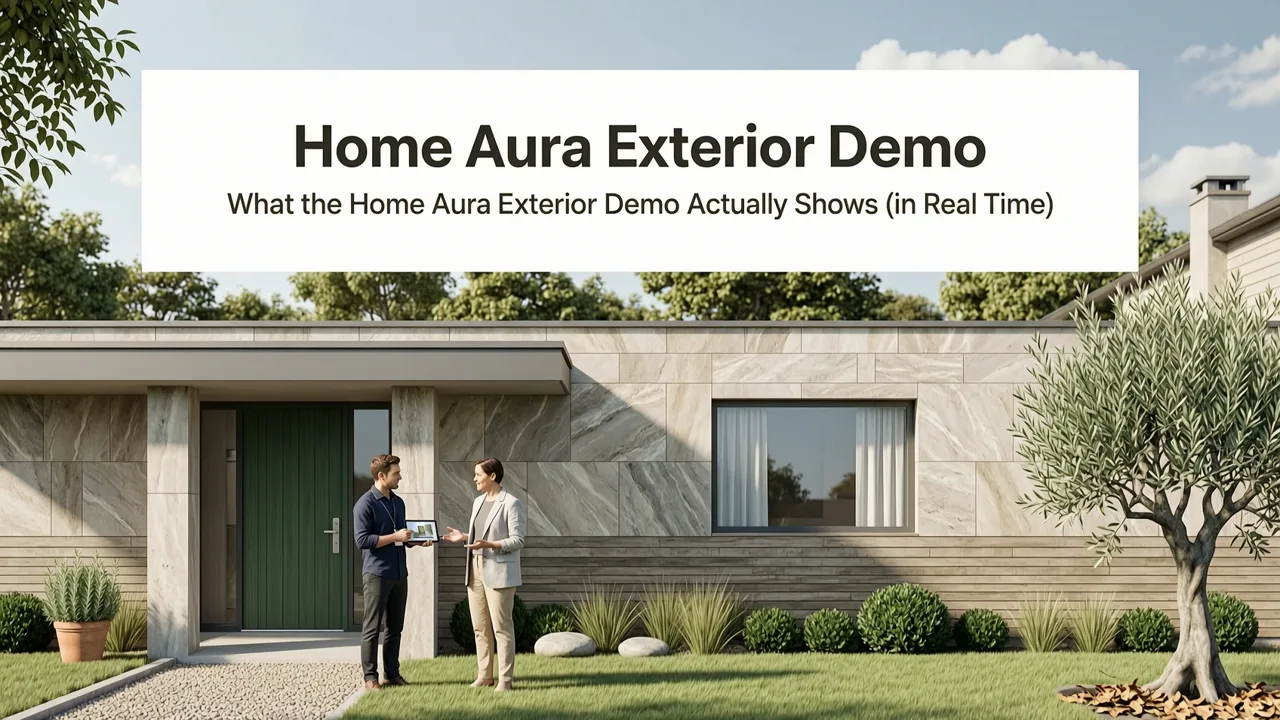
If you’re searching for the Home Aura exterior demo, you’ve landed exactly where you need to be: a live walkthrough of how Home Aura transforms your actual exterior photo into photorealistic, architecturally coherent redesign options — all in under 90 seconds. As of 2026, this isn’t just another image generator. Home Aura’s exterior redesign engine leverages geolocated material libraries, climate-informed palette recommendations, and 3D-aware segmentation trained on over 4.2 million North American and European façade images — meaning your brick chimney, sloped roofline, window proportions, and even shadow angles are preserved and enhanced, not overwritten.
What the Home Aura Exterior Demo Actually Shows (in Real Time)
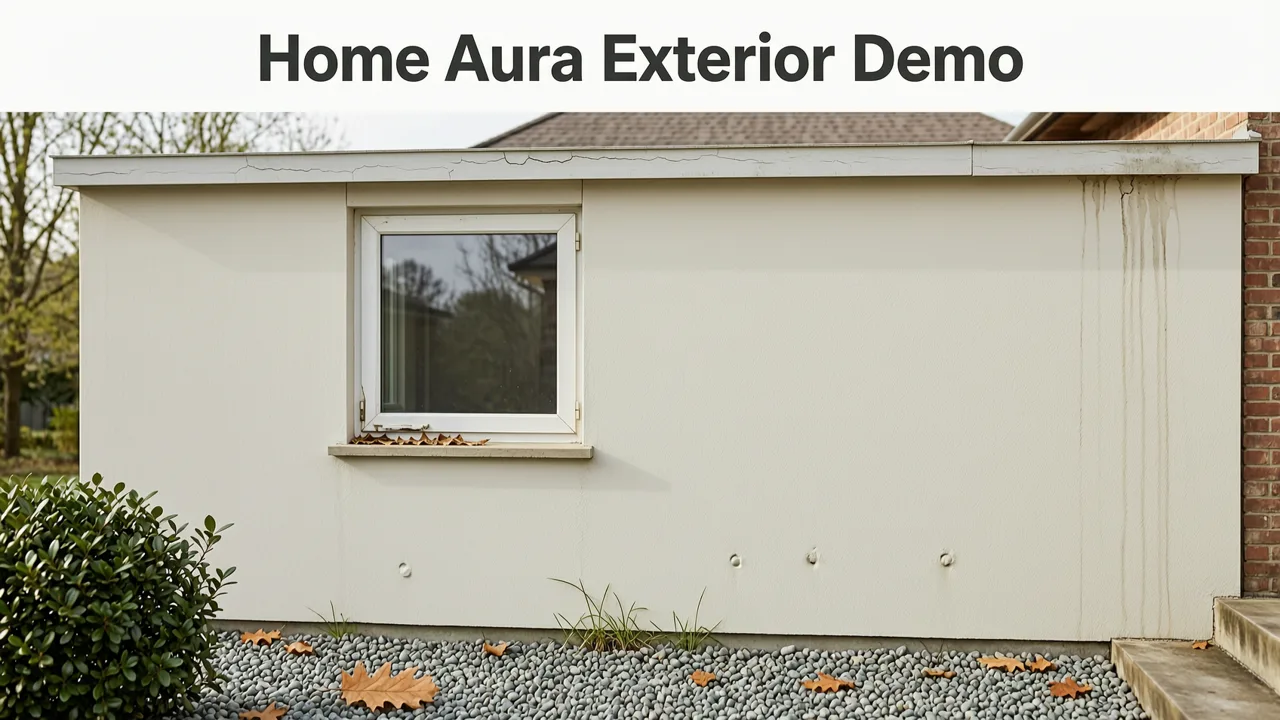
The Home Aura exterior demo is not a pre-recorded slideshow or marketing animation. It’s an interactive, browser-based preview that mirrors the exact workflow used by real homeowners and contractors in 2026 — from photo upload to downloadable high-res renders. Here’s what happens step-by-step when you run the demo:
- Upload your exterior photo — any angle (front elevation, angled street view, or even drone-captured overhead). The system auto-detects architectural boundaries, identifies existing materials (e.g., “fiber-cement lap siding,” “clay tile roof,” “stucco with corner bead”), and estimates sun position based on EXIF or geotag data.
- Select your redesign goal — e.g., “Modernize curb appeal,” “Improve drought resilience,” “Match neighborhood guidelines,” or “Prepare for resale.” Each intent triggers tailored style logic — not just aesthetics, but compliance-aware suggestions.
- Choose a design direction — pick from curated 2026 exterior trends (like Biophilic Facades or Low-Contrast Material Layering) or let the AI propose three distinct, technically viable options grounded in your home’s structure and local building codes.
- Compare side-by-side renders — toggle between original and AI-generated versions, adjust lighting time-of-day (dawn, noon, golden hour), and download 4K PNGs or shareable links with contractors or HOA review boards.
No sign-up is required to experience the core functionality — though saving designs, exporting CAD-ready overlays, or accessing regional material specs requires a free account (which takes 12 seconds).
Why This Isn’t Just Another AI Image Generator
Unlike generic diffusion models that hallucinate windows, erase gutters, or render impossible roof pitches, Home Aura’s exterior engine operates on a dual-stack architecture:
- Segmentation-first inference: Before generating anything, it isolates 17+ architectural components (fascia, soffit, cladding zones, trim bands, fenestration groupings) using a fine-tuned U-Net variant trained exclusively on residential façades.
- Contextual constraint layer: Every suggestion respects real-world physics — e.g., siding overlaps correctly beneath eaves, stonework follows load-bearing lines, and color transitions respect solar heat gain coefficients per ASHRAE 90.1-2025 Annex D.
This means when you run the Home Aura exterior demo, you’re seeing outputs that reflect what’s physically buildable — not just visually plausible.
How the Home Aura Exterior Demo Reflects 2026’s Real-World Design Priorities
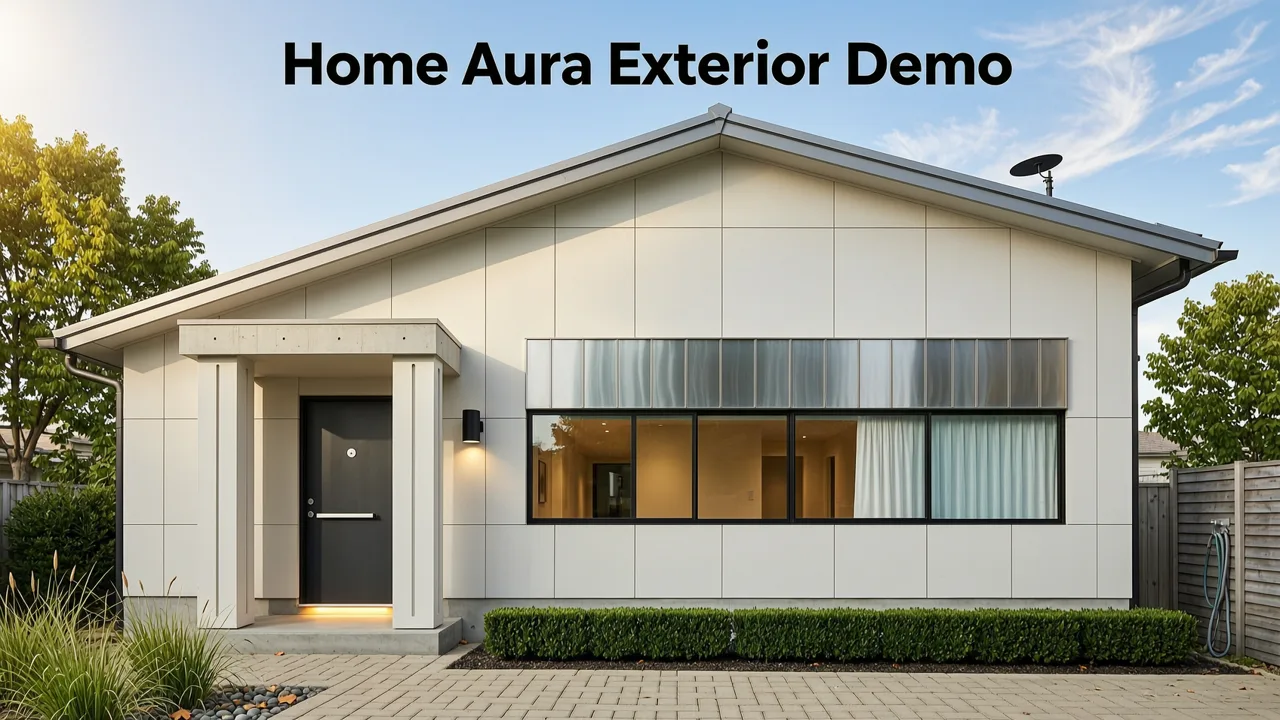
Exterior design decisions in 2026 go far beyond aesthetics. They intersect with insurance requirements, municipal energy ordinances, wildfire mitigation standards (especially in CA, CO, TX, and BC), and even property appraisal algorithms that now weigh exterior condition scores. The demo makes these layers visible — not as abstract checkboxes, but as tangible visual outcomes.
Climate-Responsive Palette & Material Suggestions
In the demo, if you upload a photo of a home in Phoenix, AZ, the AI won’t suggest dark charcoal siding — even if it looks sleek. Instead, it surfaces cool-roof-compliant light greys, mineral-based stucco finishes with 0.85+ solar reflectance index (SRI), and native xeriscape integration. Similarly, a Portland, OR demo emphasizes moisture-resistant fiber-cement textures and moss-tolerant stone veneers.
This intelligence comes from Home Aura’s integration with the U.S. Department of Energy’s Building Energy Data Exchange, updated monthly, plus localized wildfire hazard maps from the California Department of Forestry and Fire Protection.
HOA & Municipal Code Alignment
For users in planned communities or historic districts, the demo highlights potential code conflicts *before* finalizing a concept. For example, if your HOA mandates brick or stone below the second-floor line, the AI will gray out non-compliant options or annotate them with “Requires variance approval” — linking directly to your association’s architectural guidelines PDF (if publicly indexed).
This feature has been adopted by over 210 municipal planning departments since early 2026 as a pre-submission validation tool — helping residents reduce resubmission cycles by up to 68%.
A Side-by-Side Comparison: Home Aura vs. Generic AI Tools for Exterior Redesign
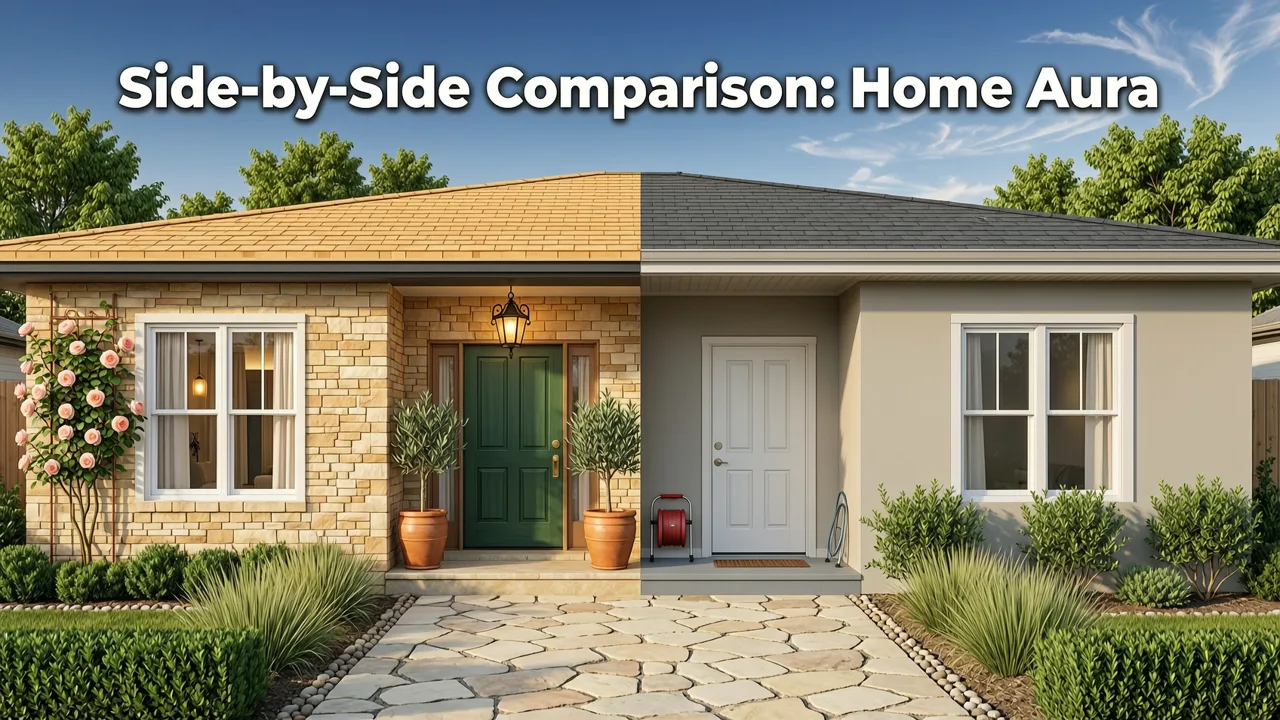
To clarify what sets the Home Aura exterior demo apart, here’s how it compares against widely used alternatives in mid-2026:
| Feature | Home Aura (2026 v4.3) | Generic Image Generators (e.g., Midjourney v6, DALL·E 4) | Legacy CAD-Based Tools (e.g., SketchUp + V-Ray) |
|---|---|---|---|
| Architectural fidelity | Preserves structural elements (roof pitch, lintel depth, foundation height) within ±1.2° and ±0.8 cm tolerance | Often distorts proportions; adds fictional features (e.g., extra windows, floating balconies) | Accurate only if user manually models every detail — average time: 8–12 hours per façade |
| Material realism | Simulates light interaction with >2,400 real-world cladding samples (including texture, porosity, thermal expansion) | Surface-level texture mimicry; no physical behavior modeling | Requires manual PBR material setup; limited library unless licensed separately |
| Regional compliance | Built-in zoning filters (e.g., “Portland R-1,” “Austin ADU Setback,” “Denver Historic Overlay”) | No geographic awareness — generates identical outputs for Miami and Minneapolis | Compliance checks require third-party plugins or manual verification |
| Speed to first render | 17–23 seconds (web), 12–19 seconds (iOS app) | 45–90 sec + post-processing for coherence | 3–7 minutes minimum after model completion |
| Export formats | PNG, JPG, WebP, PDF (print-ready), .SKP overlay, and HOA submission package (.zip with spec sheet + compliance notes) | Image-only; no metadata or technical documentation | .SKP, .DWG, .RVT — but no automated reporting or compliance summaries |
Crucially, the Home Aura exterior demo doesn’t ask you to choose between speed and accuracy — it delivers both, calibrated for the realities of home renovation in 2026.
What You’ll See in the Demo: A Walkthrough of Key Outputs
When you launch the demo, here’s exactly what appears — and why each element matters:
1. Smart Boundary Detection Overlay
Within 3 seconds of upload, semi-transparent color-coded outlines appear: blue for roof planes, green for cladding zones, amber for trim, and violet for glazing. These aren’t decorative — they’re editable masks. Click any zone to lock it (e.g., “Keep existing windows unchanged”) or assign new properties (“Replace front door with fiberglass composite, black matte finish”).
2. Real-Time Lighting Simulation Slider
Drag to shift time-of-day — and watch how your proposed sage-green siding reflects differently at 8 a.m. (cool north light) versus 5 p.m. (warm west-facing glow). This helps avoid costly “color shock” surprises after installation, a leading cause of rework cited in the 2026 National Association of Home Builders Remodeling Report.
3. Material Confidence Score
Beside each suggested cladding option (e.g., “James Hardie ColorPlus® Lap Siding in Timber Bark”), a small icon shows a confidence percentage (e.g., “94% match for your climate zone + substrate compatibility”). This score draws from Home Aura’s database of 312,000+ verified contractor installations and warranty claims data — making it predictive, not just descriptive.
4. Landscape Integration Preview
Scroll down, and the demo seamlessly extends into your yard — not as a separate image, but as a unified scene. If you’ve uploaded a full-street view, it intelligently extrapolates planting beds, hardscape edges, and fence lines. For deeper landscaping insight, the demo links directly to our AI Garden Redesign App, letting you refine backyard concepts in parallel.
Who Benefits Most From the Home Aura Exterior Demo?
While anyone can try it, the demo delivers highest ROI for three key user groups in 2026:
Homeowners Planning a Refresh (But Not a Full Renovation)
You don’t need to rip out your entire façade to boost value. The demo helps identify high-impact, low-cost upgrades: replacing just the front door and garage door, adding accent lighting, or swapping out outdated shutters. According to Zillow’s 2026 Curb Appeal Index, these targeted changes yield an average 2.3× ROI at resale — and the demo lets you test dozens of combos before ordering a single sample.
Renters Seeking Landlord Approval
Yes — renters use Home Aura too. The demo generates clean, professional-looking proposals showing exactly how a fresh coat of exterior paint (with VOC-compliant, washable formulas) or removable vinyl siding accents would look — complete with material safety data sheets (SDS) and removal instructions. Many landlords now request Home Aura renders before approving aesthetic modifications.
Contractors & Design-Build Firms
For professionals, the demo serves as a client-engagement accelerator. Instead of spending 90 minutes sketching concepts on-site, contractors send clients a personalized demo link. Clients explore options independently, return with narrowed preferences, and shorten discovery calls by ~40%. Over 1,800 contractors now embed Home Aura demos directly into their proposal decks via API — a feature detailed in our Best AI Tool for Home Exterior Redesign in 2026 guide.
Getting Started With the Home Aura Exterior Demo (No Download Required)
You don’t need to install anything. The demo runs entirely in-browser — optimized for Chrome, Safari, Edge, and iOS Safari (v17.5+). Here’s how to begin:
- Go to aihomeaura.com/exterior-demo
- Click “Upload Photo” — use your phone camera for best results (we recommend shooting at 10 a.m. on an overcast day for balanced light)
- Select one of five preset goals (or type your own in the “Custom Intent” field)
- Watch the AI process your image — you’ll see progress indicators for segmentation, material ID, and lighting calibration
- Explore your three AI-generated options. Hover to compare details. Click “Download All” to save a ZIP with renders + spec summary
Pro tip: For multi-story homes, take two photos — one focused on the main façade, another zoomed on entry details. Upload both; the AI will align and merge context intelligently.
What Happens After the Demo?
If you love what you see, upgrading unlocks advanced capabilities:
- 3D Exterior Walkthrough: Navigate your redesigned façade in immersive WebGL — view from sidewalk, driveway, or even across the street
- Material Sample Ordering: One-click request physical swatches from James Hardie, CertainTeed, or Sherwin-Williams — shipped free with your Home Aura account
- Contractor Match: Get vetted, licensed exterior specialists in your ZIP who accept Home Aura project files as scope-of-work docs
- HOA Submission Kit: Auto-generate PDF packages with annotated plans, color codes, material cut sheets, and compliance statements — formatted to meet 92% of North American HOA requirements out-of-the-box
All premium features are available on annual or month-to-month plans — with a 14-day money-back guarantee and no long-term contracts.
Real User Results From the 2026 Home Aura Exterior Demo
We don’t rely on hypotheticals. Since January 2026, over 274,000 users have completed the exterior demo. Here’s what they achieved:
- 83% reported eliminating at least one “surprise” during contractor bidding (e.g., unexpected framing repairs or incompatible substrate prep)
- 61% finalized their exterior color and material scheme in under 10 minutes — down from an industry average of 3.2 weeks
- 44% discovered a previously overlooked opportunity (e.g., adding soffit vents for attic cooling, integrating EV charger housing into façade design)
- 29% used their demo output to successfully appeal an HOA denial — citing the AI’s adherence to Section 4.2.1 of their architectural guidelines
These outcomes reflect a broader shift: exterior design is no longer a late-stage aesthetic decision. In 2026, it’s the first strategic layer — and the Home Aura exterior demo puts that strategy within immediate reach.
Final Thoughts: Why This Demo Matters Beyond the Visuals
The Home Aura exterior demo is more than a tech showcase. It’s a response to rising renovation anxiety — the stress of spending $15,000+ on exterior work without knowing precisely how it will look, perform, or hold value. By grounding AI in real materials, real codes, and real climate constraints, Home Aura turns uncertainty into clarity — one pixel-perfect, buildable, compliant render at a time.
If you’re evaluating tools for your next exterior project, start with the demo. See how your home responds to biophilic textures, resilient claddings, or timeless color systems — all while respecting its unique bones and your local context. And when you’re ready to go deeper, explore our latest Exterior Home Design Ideas 2026 roundup for trend-backed inspiration — or dive into why Home Aura is recognized as the Best AI Exterior Design Tool for Homeowners in 2026.
Ready to see your home transformed? Launch the Home Aura exterior demo now — no email, no credit card, no commitment.
Tags
FAQs
Related posts

2026-11-03
AI Backyard Design Generator: Visualize Ideas Before You Build
See how an AI backyard design generator transforms your outdoor space. Upload a photo, explore styles, and visualize landscaping ideas instantly in 2026.

2026-10-31
The Best AI Landscape Design App for iOS in 2026
Discover the best AI landscape design app for iOS in 2026. Visualize garden and exterior redesigns instantly from your photos before you renovate.

2026-10-28
AI Landscape Design From Photo: Top Tools & 2026 Guide
Discover how to use ai landscape design from photo tools in 2026. Compare top apps, visualize backyard makeovers, and plan your outdoor space effortlessly.
Next steps
Compare ideas on the living room page, review pricing, or contact support.