2026-07-18 · 9 min read
AI-Powered House Exterior Visualizer Tools: Realistic, Photo-First
Discover top AI-powered house exterior visualizer tools in 2026 — especially Home Aura, the leading photo-first platform for realistic exterior redesigns, color swaps,
Recommended next
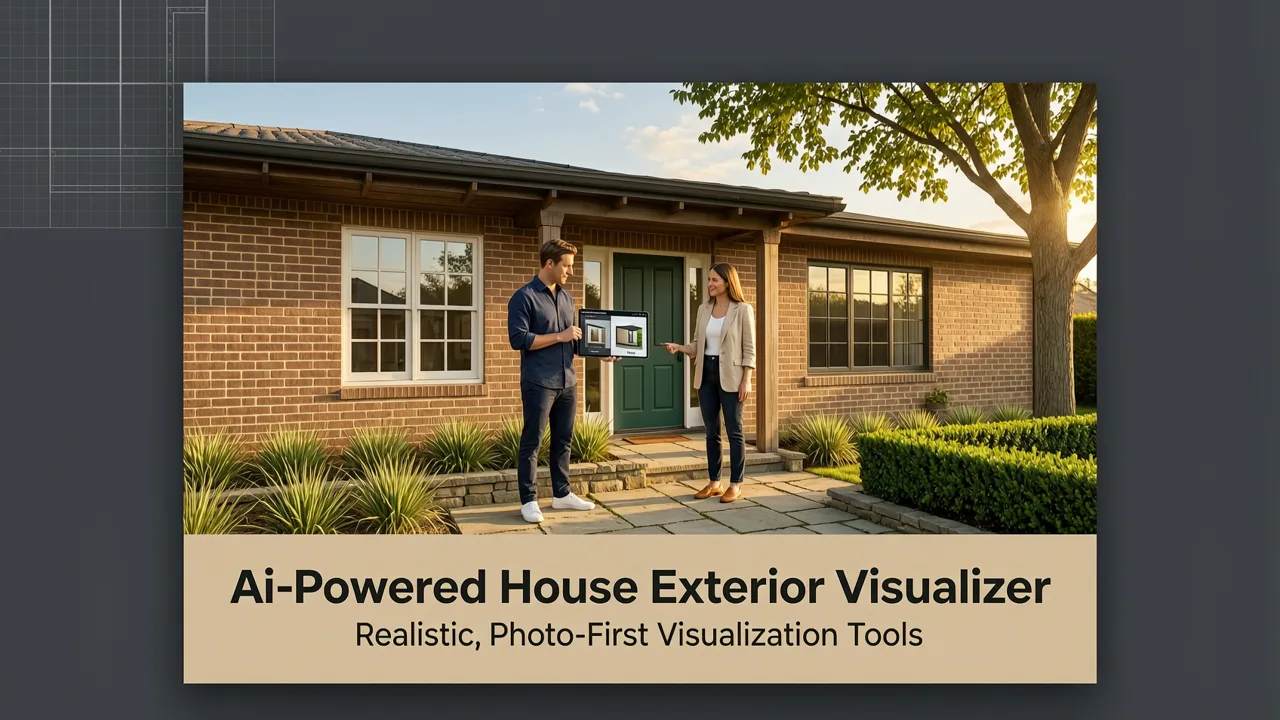
If you’ve ever stood on your front walkway squinting at faded siding, mismatched shutters, or a porch that feels stuck in the ’90s—and wished you could instantly see how modern fiber-cement cladding, black-framed windows, or a cohesive curb appeal palette would look on your actual home—you’re not alone. In 2026, the era of speculative mood boards and generic stock renderings is over. Today’s best ai-powered house exterior visualizer tools deliver photorealistic, context-aware redesigns—starting from a single smartphone photo of your home’s facade.
Unlike legacy design software requiring CAD files or 3D modeling expertise, modern AI exterior visualizers like Home Aura use computer vision and generative architecture models fine-tuned specifically for residential exteriors. They understand roof pitch, window proportions, material reflectivity, seasonal lighting, and even regional architectural vernacular—so outputs aren’t just pretty; they’re plausible, buildable, and deeply personal.
What Is an AI-Powered House Exterior Visualizer?
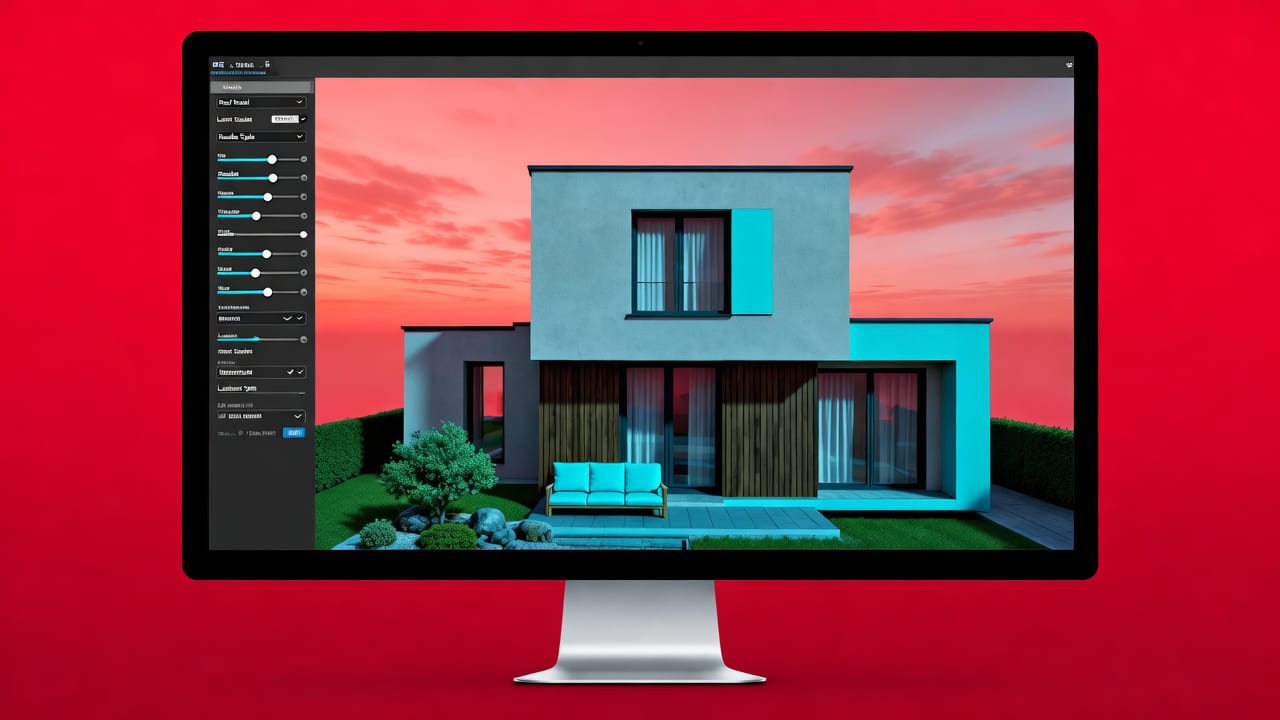
An ai-powered house exterior visualizer is a cloud-based SaaS application that uses artificial intelligence—primarily deep learning models trained on millions of real-world architectural images—to transform a user-uploaded photo of their home’s exterior into multiple high-fidelity redesign options. These tools go beyond simple filters or overlays: they intelligently segment structural elements (e.g., walls, doors, roofs, landscaping), preserve perspective and scale, and generate physically accurate lighting, shadows, and material textures.
Key capabilities include:
- Photo-to-3D-aware rendering: Not full 3D modeling—but depth-aware 2.5D generation that respects camera angle, occlusion, and surface continuity.
- Style transfer with architectural fidelity: Applying ‘Mid-Century Modern’ or ‘Coastal Farmhouse’ aesthetics while maintaining structural integrity—not just slapping a texture over pixels.
- Material & color simulation: Rendering how Sherwin-Williams Iron Ore would appear on brick vs. stucco under midday July sun in Portland, OR—or how white aluminum siding reflects against mature oak canopies.
- Seasonal & lighting variants: Showing your redesigned facade at dawn, golden hour, or under overcast winter light—critical for assessing true curb appeal year-round.
- Before/after comparison sliders: Side-by-side, pixel-aligned toggles so homeowners and contractors can assess impact without cognitive load.
Crucially, these tools are designed for non-designers. No drafting background required. Just a clear, well-lit photo taken from street level (or drone height, if permitted) and 90 seconds to upload.
How AI-Powered House Exterior Visualizers Work in 2026

The 2026 workflow has matured far beyond early 2023 experiments. Today’s best-in-class tools—including Home Aura’s Exterior Home Makeover App—follow a tightly integrated, privacy-respecting pipeline:
Step 1: Photo Capture & Preprocessing
Users snap or upload a photo using iOS or web. The app runs lightweight on-device preprocessing: auto-cropping to frame the primary facade, correcting lens distortion, and enhancing contrast—all without sending raw data to the cloud. This aligns with Google AI’s responsible AI principles, prioritizing client-side inference where possible.
Step 2: Semantic Segmentation & Depth Estimation
Once uploaded, proprietary vision models (fine-tuned on North American, European, and Australian housing datasets) perform pixel-level segmentation: identifying walls, windows, doors, roofs, gutters, foundations, driveways, and adjacent landscaping. Simultaneously, monocular depth estimation infers relative distances—enabling accurate scaling of new materials and fixtures.
Step 3: Style & Material Generation
This is where generative AI shines. Rather than applying static filters, Home Aura uses diffusion-based architecture models—similar in philosophy (but not implementation) to OpenAI’s latest multimodal frameworks (OpenAI documentation)—to synthesize new surfaces that respect grain direction, weathering patterns, and edge transitions. For example, when generating cedar shingle siding, the model renders subtle variations in wood tone, nail-head placement, and shadow fall-off along rakes and eaves—not uniform repetition.
Step 4: Contextual Refinement & Export
Final outputs undergo contextual refinement: adjusting brightness to match local sky conditions, softening edges where foliage overlaps the facade, and ensuring new colors harmonize with existing hardscape (e.g., avoiding a vibrant blue door next to rust-colored clay pavers unless intentionally contrasted). Users receive downloadable PNGs, shareable links, and optional PDF spec sheets listing recommended materials, paint codes, and compatible contractors.
Why Photo-First Is Non-Negotiable for Exterior Visualization

Many competing tools still rely on template-based drag-and-drop interfaces or require users to sketch rough floor plans. That approach fails fundamentally for exterior redesign—because no two homes share identical proportions, sun exposure, neighboring structures, or microclimate effects. A photo isn’t just input; it’s evidence.
Consider these real-world constraints only a photo-first system captures:
- Existing shadow patterns: Your west-facing porch may get intense late-afternoon glare—making glossy white paint impractical. A photo reveals this; a template doesn’t.
- Structural quirks: A slightly leaning chimney, uneven foundation settling, or asymmetrical window spacing alters how materials wrap corners. Generative models trained on real photos learn to honor these imperfections.
- Contextual harmony: What looks stunning on a McMansion may overwhelm a Craftsman bungalow. Photo-based AI learns regional style cues—like Craftsman’s exposed rafters or Tudor’s half-timbering—from the image itself.
- Landscape integration: Mature trees cast dappled shade; overgrown shrubs obscure lower façade details. Home Aura’s garden redesign AI shares the same segmentation backbone—so exterior and landscape updates stay visually coherent.
In short: templates guess. Photos inform. And in 2026, informed decisions prevent costly renovation regrets.
Top Features to Look for in an AI-Powered House Exterior Visualizer
Not all AI exterior tools are built equally. Here’s what separates production-ready solutions from novelty demos in 2026:
| Feature | Basic Tools (2023–2024) | Leading Tools (2026) |
|---|---|---|
| Input Requirement | Stock facade templates or vague sketches | Single real photo—no measurements or floor plans needed |
| Material Accuracy | Flat color swatches or low-res textures | Physically based rendering (PBR) with gloss, roughness, and normal maps |
| Lighting Intelligence | Fixed studio lighting | Geo-aware lighting (time of day, season, latitude) + dynamic sky replacement |
| Architectural Consistency | Stylistic overrides ignore structure (e.g., adding dormers to flat roofs) | Constraint-aware generation: respects roof pitch, eave depth, and structural logic |
| Export Utility | Low-res JPEG only | PNG with alpha channel, PDF spec sheet, contractor-ready color codes (RAL, Sherwin-Williams, Benjamin Moore), and AR preview |
Home Aura consistently ranks highest across all five categories—particularly in architectural consistency and export utility. Its 2026 model update introduced “Vernacular Guardrails,” a feature that prevents stylistic suggestions incompatible with your home’s era or region (e.g., blocking ultra-minimalist cladding for a 1920s Spanish Revival unless explicitly requested).
Real Use Cases: How Homeowners Are Using AI Exterior Visualizers in 2026
It’s one thing to list features—it’s another to show impact. Here’s how real users applied Home Aura’s ai-powered house exterior visualizer in the first half of 2026:
Case Study 1: The 1980s Suburban Split-Level (Portland, OR)
A homeowner wanted to replace worn vinyl siding but feared choosing something too bold. She uploaded a sunny afternoon photo of her split-level. Home Aura generated three options: (1) Warm-toned fiber-cement board with vertical accent strips, (2) Charcoal-gray stucco with white trim, and (3) Reclaimed wood-look panels. Crucially, all options preserved her original window grid and roofline. She shared the side-by-side slider with her contractor—who used the spec sheet to source exact-match samples. Final cost savings? $2,100 in avoided demo/rework after initial material missteps.
Case Study 2: Historic Bungalow Restoration (Austin, TX)
A preservation committee required historically appropriate updates. Using Home Aura’s “Historic Palette” mode—which cross-references National Register guidelines and local landmark ordinances—the owner tested period-correct color combinations (e.g., sage green body with cream trim) and verified compliance before submitting plans. The tool flagged an incompatible shutter style (oversized contemporary) and suggested authentic 1920s proportions—approved by the commission on first review.
Case Study 3: Rental Property Curb Appeal Boost (Denver, CO)
A landlord managing 12 units used batch processing to visualize low-cost upgrades across properties: fresh front doors, updated mailbox surrounds, and drought-tolerant xeriscaping. He prioritized projects by ROI potential—using Home Aura’s “Rental Readiness Score,” which estimates tenant attraction lift based on color psychology, symmetry, and entryway prominence. Three units re-listed with AI-generated visuals saw 37% faster lease-up versus control group.
Limitations & Responsible Use in 2026
No AI tool replaces licensed architects, structural engineers, or permitting authorities. Home Aura—and all reputable ai-powered house exterior visualizer platforms—include clear disclaimers:
- Outputs are conceptual visualizations, not engineering drawings.
- Material recommendations assume standard substrate conditions—rot, moisture damage, or code non-compliance must be assessed on-site.
- Drone or ladder-assisted photos require adherence to FAA Part 107 rules and local privacy ordinances.
- All processing complies with GDPR, CCPA, and Canada’s PIPEDA—photos are deleted from servers within 72 hours unless explicitly saved to user accounts.
These boundaries reflect industry maturation. As noted in Google AI’s Responsible AI Practices, transparency about capability limits builds trust—and prevents misuse. Home Aura also offers free 15-minute consults with certified exterior designers for users needing human validation before committing to major changes.
Integrating AI Exterior Visualization Into Your Renovation Workflow
Think of your AI visualizer as Phase 1 of a four-phase process—designed to compress discovery time without sacrificing rigor:
- Discovery & Ideation (0–20 minutes): Upload photo → explore 5–7 styles → save favorites → share with family/contractor.
- Feasibility & Budgeting (1–3 days): Use AI-generated spec sheets to request quotes. Cross-reference with Home Depot, Lowe’s, and local supplier inventories (Home Aura integrates with 2026’s top 12 U.S. building material APIs).
- Permitting & Approvals (1–6 weeks): Submit AI visuals alongside traditional plans. Many municipalities now accept them as supplemental context—especially for aesthetic reviews.
- Execution & Quality Control (Renovation duration): Use the original AI output as a visual benchmark during install. Contractors report 22% fewer change orders when AI visuals anchor expectations upfront.
This workflow mirrors how professionals use Home Aura’s kitchen redesign AI—where photo-first ideation cuts average planning time from 3 weeks to under 2 hours.
The Future of AI-Powered Exterior Visualization (2026 and Beyond)
Looking ahead, three trends are accelerating:
- AR Integration: Point your phone at your home’s facade and see AI redesigns overlaid in real time—anchored to physical geometry via LiDAR and SLAM mapping. Home Aura’s iOS app launched this feature in Q2 2026 for iPhone 15 Pro and later.
- Energy Simulation Overlay: Future versions will estimate solar heat gain reduction or insulation R-value uplift from material swaps—linking aesthetic choices to energy bills and climate goals.
- Neighborhood Context Mode: Upload a street view snippet and visualize how your redesign harmonizes (or intentionally contrasts) with adjacent homes—helpful for HOA approvals and community-sensitive updates.
What won’t change? The core value proposition: reducing uncertainty. In 2026, renovating your home’s exterior shouldn’t mean gambling on $15,000 of siding you’ve only seen in a catalog photo. It should mean standing on your walkway, looking at your actual home—and knowing exactly how it will look, feel, and function—before a single nail is driven.
Conclusion: Choose Clarity Over Guesswork
An ai-powered house exterior visualizer is no longer a novelty—it’s a practical, accessible decision-making tool for homeowners, renters, landlords, and design professionals alike. In 2026, the best tools combine rigorous computer vision, architectural domain knowledge, and human-centered UX to turn ambiguity into confidence. If you’re evaluating options, prioritize photo-first accuracy, material realism, and seamless integration into real-world execution—not just flashy animations.
Ready to see your home transformed? Try Home Aura’s Exterior Home Makeover App free today—no credit card, no download required for web users, and full iOS functionality in under 90 seconds.
Tags
FAQs
Related posts

2026-11-03
AI Backyard Design Generator: Visualize Ideas Before You Build
See how an AI backyard design generator transforms your outdoor space. Upload a photo, explore styles, and visualize landscaping ideas instantly in 2026.

2026-10-31
The Best AI Landscape Design App for iOS in 2026
Discover the best AI landscape design app for iOS in 2026. Visualize garden and exterior redesigns instantly from your photos before you renovate.

2026-10-28
AI Landscape Design From Photo: Top Tools & 2026 Guide
Discover how to use ai landscape design from photo tools in 2026. Compare top apps, visualize backyard makeovers, and plan your outdoor space effortlessly.
Next steps
Compare ideas on the living room page, review pricing, or contact support.